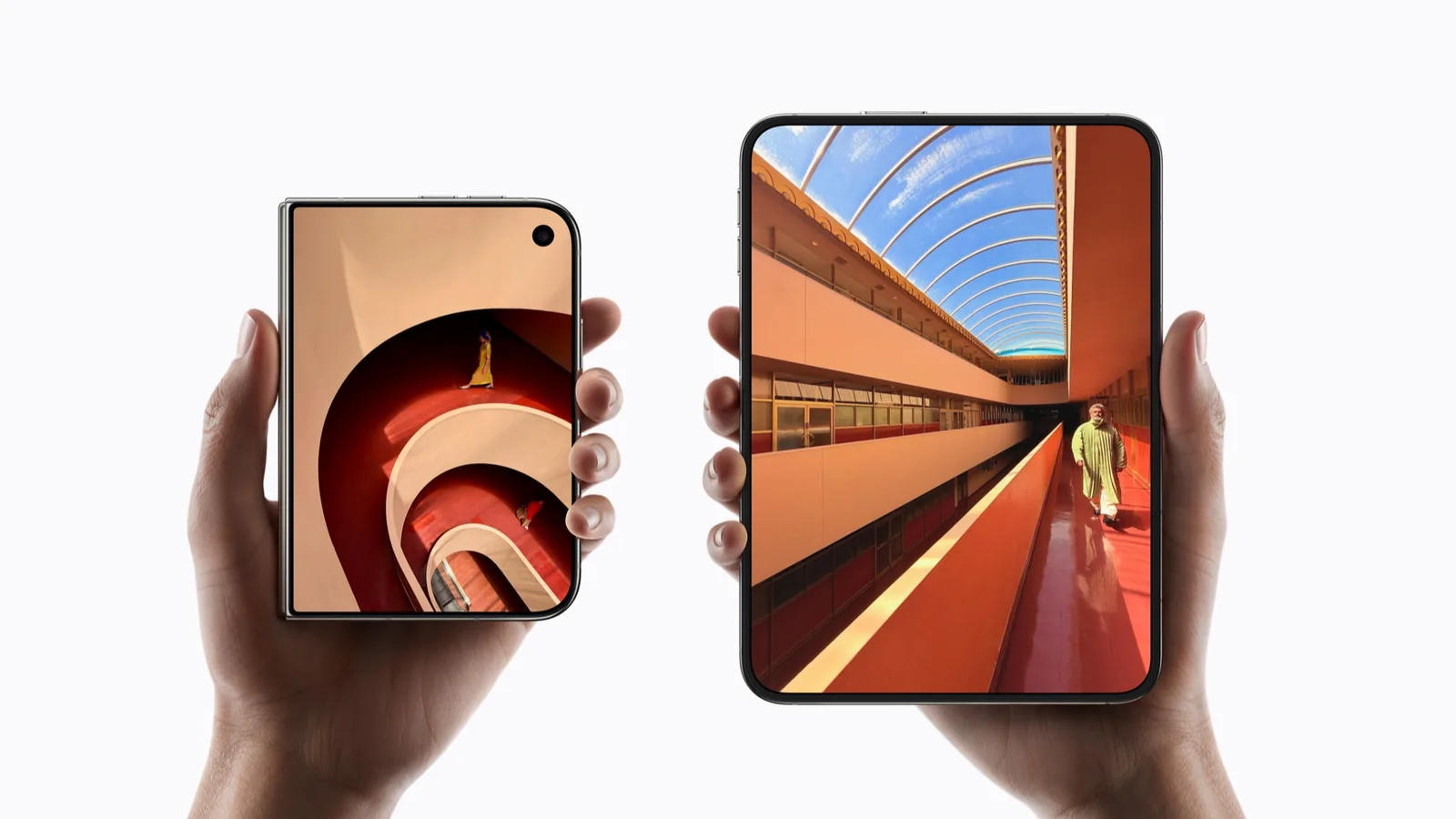
A running app resizes when you open or close the phone
Unfold the phone with an app on screen and the app does not quit. In Prepare your app for iPhone Duo Apple says that “your app will need to resize to fit every pose, opened, closed, rotated, or folded”. Apple’s written documentation puts the other half of it: as the device is opened, closed, partially folded and rotated, content transitions between displays and adjusts for rotated positions. The app keeps running.
Asking the system for full screen does not exempt an app from that. Apple states that “iPhone Duo will continue to honor the UIRequiresFullScreen key, but your app will still resize when someone opens or closes their iPhone Duo”. In plain words, an app that requests full screen still has to cope with the shape changing underneath it. The adaptive-layout audit covers what that work involves on the developer side.
The next line of that same talk contradicts an earlier one, which is worth knowing before you file a bug. One line reads “The inner display doesn’t honor your supported interface orientations.” A later line in the same talk reads “iPhone Duo respects your supported interface orientations, but your app will scale on the inner display, including in Split View multitasking.” Both sentences come from Prepare your app for iPhone Duo. Apple has not reconciled them.
The hinge reports three states and one continuous angle
The iPhone Duo hinge reports its position to apps through onHingeChange in SwiftUI and UIHingeInteraction in UIKit. In Apple’s scenes talk, Apple describes three discrete states, closed, partially open and fully open, and a continuous angle alongside them. Apple publishes no threshold, no unit and no range for those states. The table separates the two halves.
A discrete state and a continuous angle are different tools. Nothing published converts one into the other, so any page that prints a degree figure for “partially open” has invented it. The check date here is 2026-09-20.
| Hinge state | What Apple has established | What Apple has not published |
|---|---|---|
| Closed | The app uses the 5.4-inch outer display and resizes to it. New windows cannot be created there. | Whether your place in the app is kept when it moves to that display. |
| Partially open | This is the only state in which the folding reserved region is active. | The angle range that counts as partially open, in any unit. |
| Fully open | The app resizes to the 7.6-inch inner display. The folding reserved region has a width of zero. | Whether a text selection, a scroll position or playing media survives. |
The inner display has no permanent strip down the middle
Many readers expect a dead band where the panel folds. Apple’s adaptive-layouts talk describes the folding reserved region as active only while the device is partly folded, and gives it a width of zero when the device is flat. Open the phone fully and the middle of the 7.6-inch display is ordinary screen.
Two other reserved regions behave differently. The outer camera region is always active. The inner camera region is active only while the camera is in use. Those three are the published set in that same talk.
Where each pose leaves the rest of the system is covered elsewhere. The multitasking guide covers two apps side by side, same-app windows covers two windows of one app, and outer display apps covers what the closed pose gives an app.
Apple says the app resizes and stops there
Apple’s material covers the geometry. It does not address whether your state survives the move. No published Apple sentence says whether a half-typed message, a scroll position, a text selection or a playing video is preserved when the pose changes. What people call iPhone Duo app continuity has two halves, and Apple has documented one of them.
Resizing is system behavior. State preservation is the app’s own work, written by the app’s developer. Two apps can therefore behave differently on the same iPhone Duo with nothing wrong in the hardware. If an app restarts on unfold, that points at the app’s state handling rather than at the hinge. Phrase, an AI note taker, gets it right: fold or unfold and you keep your place, with the audio still playing.
Apple publishes no user-facing setting that controls fold behavior for an individual app. Apple’s iPhone User Guide contained no iPhone Duo content when it was checked on 20 September 2026, so the consumer-facing answer had not been written at that point.
Run this check on your own device and write down the result
The real answer about state preservation comes from owners running the app. An impression is not worth much to a developer; a record naming the app version and the iOS build is. One app at a time.
The same object, put through one fold and unfold on iPhone Duo, is the smallest useful test. Work through the six steps in order and keep the answers beside the app name.
- Write down the app name, the app version, the iOS build and today’s date before you touch anything.
- Start the app on the 5.4-inch outer display and create something with state: a scroll position deep in a list, a text selection, a half-written reply or a playing video.
- Open the phone. Note what the 7.6-inch inner display shows in the first second, and what it shows five seconds later.
- Record what survived and what reset, in those words. “The draft was kept and the list scrolled back to the top” is usable; “it broke” is not.
- Close the phone again with the same content on screen, and record the return trip as a separate result.
- Repeat once from a partially open pose, since that is the only state in which the folding reserved region is active.
Questions readers are asking about opening and closing
These four come up most often. Each answer states what Apple has published and where it stops.
- What happens to an app when I open iPhone Duo? It resizes. Apple states that an app has to resize for every pose, and that content transitions between displays and reorients. The app keeps running through the change. Whether it keeps your place in that content is the app’s own work, which Apple has not described.
- Why do apps or displays act strangely after folding and unfolding? Apple documents the resize and nothing about state, so an app that loses your scroll position is handling its own state poorly. The folding reserved region is active only while the phone is partly folded, so an oddity in that pose has a different cause from one seen flat.
- Will existing iPhone apps work on iPhone Duo? Yes. Apple says an existing app runs without being rebuilt for iOS 27. How much of the 7.6-inch display it uses depends on the SDK it was built with, and the app compatibility guide holds the full answer.
- Is there a setting that controls this? Not one Apple has published. Apple documents no per-app control over fold behavior,. Whether the app resumes when you unfold is decided by the app itself. Send your record to its developer, using the fields in the app testing checklist.
Sources & scope
Primary references. The claim beside each link sets its scope.
- Prepare your app for iPhone DuoApple Developer · Checked Sep 19, 2026
SDK-dependent screen usage, size classes, safe areas and Device Hub. Transcript reviewed.
- Preparing your app for iPhone DuoApple Developer · Checked Sep 20, 2026
Written documentation of SDK-dependent screen usage. States what older builds do not do; states no compatibility mode.
- Leverage multiple displays and scenes on iPhone DuoApple Developer · Checked Sep 20, 2026
Transcript. Multiple instances of one app, the iPad carry-over rule, and window creation on each display. Describes developer capability, not any shipping app.
- Strike a pose with adaptive layouts on iPhone DuoApple Developer · Checked Sep 19, 2026
Reserved regions and adaptive arrangements. Introductory transcript sections reviewed, not a complete API audit.
- Apple unveils iPhone DuoApple Newsroom · Checked Sep 19, 2026
Official announcement and app previews; not a retail-device test.
- iPhone User GuideApple Support · Checked Sep 20, 2026
Apple’s consumer documentation. Searched for iPhone Duo content on the check date and found none; this records the state of the guide, not a limit of the device.