Apple names one app, then gives developers a rule
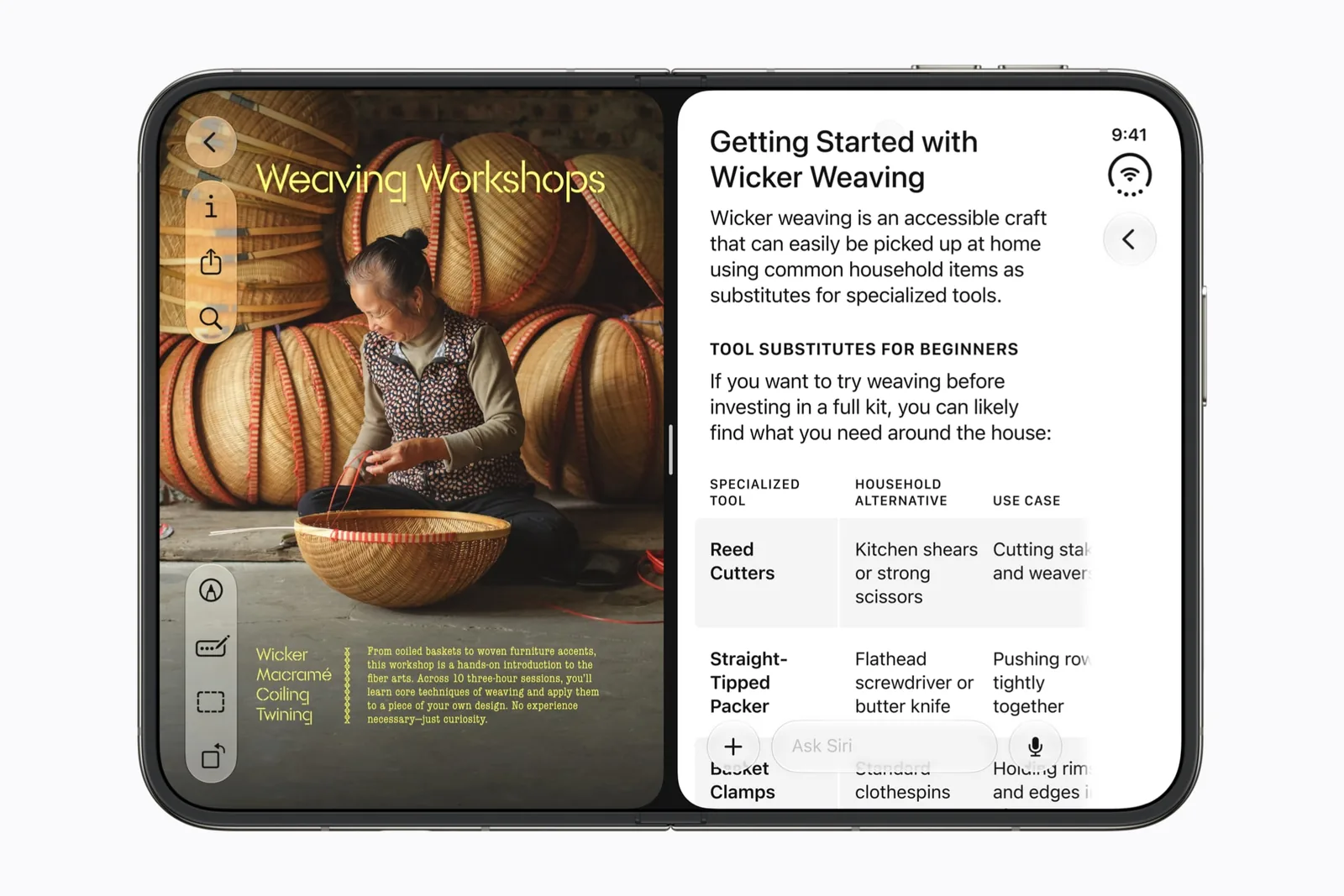
You have ordered an iPhone Duo and you want to know whether the app you live in will put two of its own windows on screen at once. Apple’s announcement puts a single example in its list of what Split View allows: “open two windows of the same app, like Safari.” It names nothing else. That sentence describes what Apple demonstrated in September, and a demonstration is an illustration of a capability rather than a list of the apps that have it. Safari’s profile records what Apple actually showed.
The developer material is the more useful document, because it states a rule instead of an example. In Apple’s talk on multiple displays and scenes, the wording is this: “iPhone Duo is the first iPhone to support multiple instances of your app’s UI. If your app supports this on iPad, it will on iPhone Duo as well.” Read the second sentence again. It points at a device many readers already own, which turns an unanswerable question about October into something you can settle today.
The second window belongs to the inner display
iPhone Duo has a 7.6-inch inner display and a 5.4-inch outer display, and the two do not offer the same window behavior. The same Apple talk is direct about it: “On iPad, new windows can be created at any time. On the outer display of iPhone Duo, new windows cannot be created. That behavior is reserved for the inner display.” Unfold the device first. Whatever your app can do with a second window, the 5.4-inch screen is not where you start it.
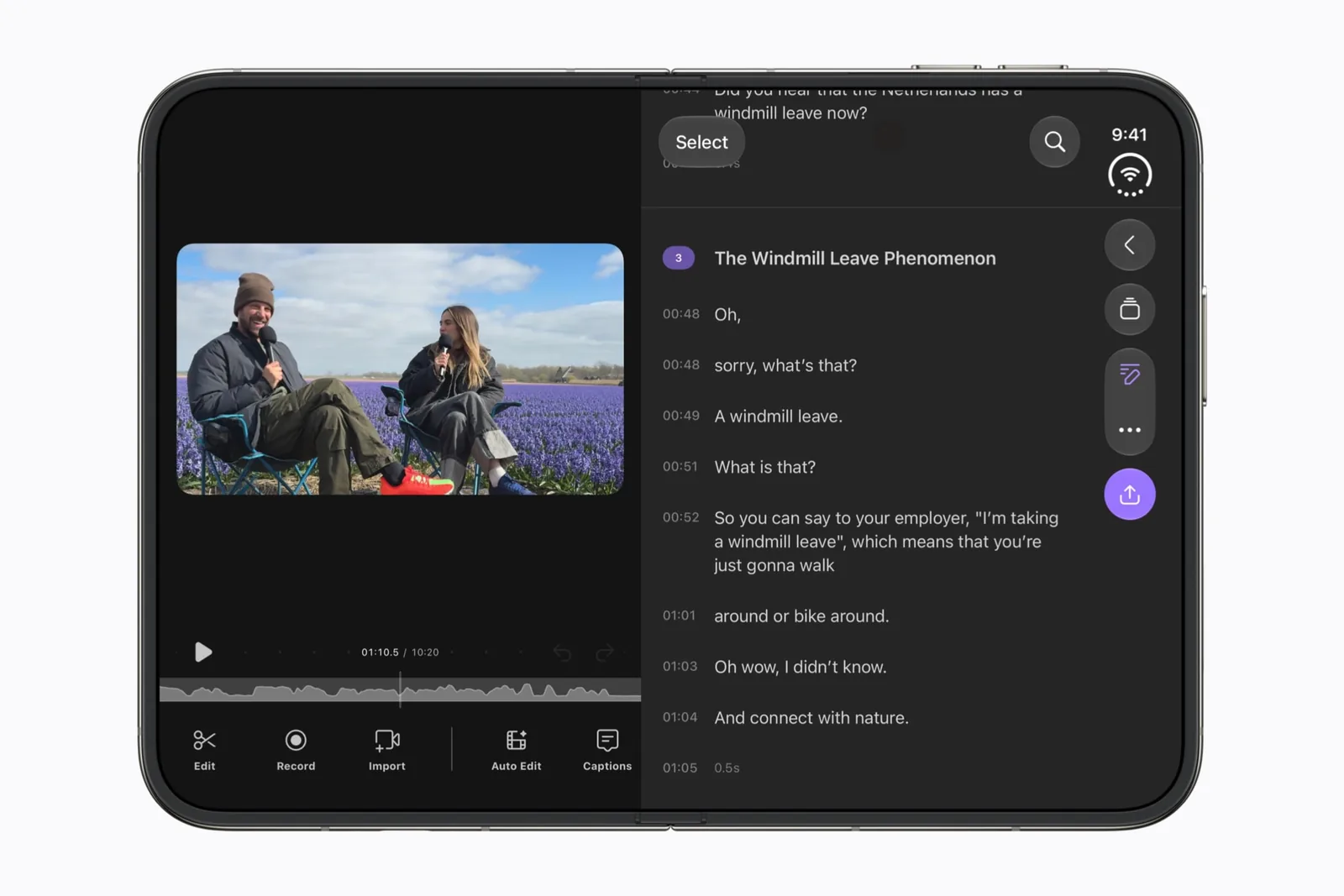
Side-by-side multitasking is the broader feature. Apple states in the scenes talk that “All apps participate in multitasking on iPhone Duo, where two apps can be placed in a side-by-side layout.” Entering it means dragging an app to one side with the home indicator, which is the only route Apple documents. Placing two apps side by side is one behavior. Opening one app twice is another, and the two have different requirements. Our multitasking guide covers the two-app arrangement in detail, so this page stays with the narrower case.
| Behavior | Inner display | Outer display |
|---|---|---|
| Two different apps side by side | Apple describes a 50/50 split. | Not described. Apple assigns Split View to the inner display. |
| A second window of the same app | Available to apps that already do this on iPad. | New windows cannot be created. |
| Where Apple documents it | The announcement and the scenes talk. | Two sentences in the scenes talk. |
Run this check on an iPad you already own
Apple’s rule points at a device you may already own, so the question is answerable without an iPhone Duo in hand. An app that opens a second window of itself on iPad is an app Apple says will do the same on iPhone Duo. The rule does the work here. That makes the six steps below worth more than any guess about which apps are ready.
Be precise about what the result establishes. It shows what one app does on iPad on the date you ran it, and Apple’s stated rule is what carries that forward to iPhone Duo. It is not a check of the app on Duo hardware, so if you have one, try the app there as well. A developer can also add multi-window support to an iPad app in any release, so a negative result from today can improve without an announcement.
- Name the task, not the feature. Two Safari windows for comparing one specification across two pages is a task.
- Open the app on an iPad running a current iPadOS release, and write down the app version shown on its App Store listing.
- Look for the app’s own control for opening a second window, then use it. A control that is missing is itself an answer.
- If a second window opens on iPad, Apple’s rule says you can expect the same app side by side on the inner display of iPhone Duo.
- If nothing opens a second window, the rule predicts nothing for iPhone Duo either, until the developer adds support to the iPad app.
- Write the outcome, the app version and today’s date on one line. Run the check again after that app’s next update.
Where a second window is impossible, the control disappears
Apple’s scenes talk tells developers which control to use, and the instruction carries a consequence for the person holding the device: “Use UIWindowSceneActivationAction, which automatically hides when new windows aren’t available.” In plain words, the button for making a second window is expected to be absent wherever a second window cannot exist. The absence is the answer. It should not sit there and fail after a tap.
This matters on the outer screen. An app that offers a new-window control on the 7.6-inch inner display can correctly show nothing on the 5.4-inch outer display, because Apple has reserved window creation for the inner one. Open the device and look again before you conclude that the app dropped a feature. What the outer display runs is worth reading on its own, since its limits differ from the inner display.
The width of each half is a separate open question. Apple’s design talk describes a 50/50 split, and Apple has not addressed whether the divider can be moved. Plan for two equal halves. What happens to those halves when you close the device belongs to the fold continuity guide.
Apple gives a rule, not a roster
No official list exists of the shipping third-party apps that support multiple windows on iPhone Duo. Apple has published none. Safari is Apple’s example, and an example is not a boundary, so an app Apple never mentioned is not excluded by its absence. Our app directory records what each public source establishes for a named app, which is a narrower and more honest thing than a support list.
Whether a given app supports multiple windows on iPad today is a property of that app, and it moves with each release the developer ships. The iPad check is therefore a snapshot with a date attached rather than a permanent answer, which is why the last step asks you to run it again. Our compatibility guide explains how to read the distance between an Apple demonstration and a shipping build.
Three questions about same-app windows
Short answers first, then the reason. Each one separates what Apple has stated about iPhone Duo from what follows from that statement.
- Can I open two windows on the iPhone Duo outer screen? No. Apple states that new windows cannot be created on the outer display and that the behavior is reserved for the inner display. Unfold the device, then create the second window on the 7.6-inch screen.
- Does Split View work in every app? Apple states that all apps participate in multitasking on iPhone Duo, where two apps can be placed in a side-by-side layout. That covers the system arrangement. It does not promise that an app’s own layout is comfortable in half the width, and it is separate from one app opening a second window.
- Which apps are optimized for iPhone Duo? Apple has published no list. Its September announcement previews Netflix, Zoom, Slack, Detail and Safari, which illustrates what the device does rather than naming every ready app. For anything else, run the iPad check above and write the date beside the result.
Sources & scope
Primary references. The claim beside each link sets its scope.
- Apple unveils iPhone DuoApple Newsroom · Checked Sep 19, 2026
Official announcement and app previews; not a retail-device test.
- Leverage multiple displays and scenes on iPhone DuoApple Developer · Checked Sep 20, 2026
Transcript. Multiple instances of one app, the iPad carry-over rule, and window creation on each display. Describes developer capability, not any shipping app.
- Design for iPhone DuoApple Developer · Checked Sep 19, 2026
Design guidance and transcript: resizable layouts, controls, Split View and fold avoidance.