Practical tools for presenting an app on the new screen and for recording how it behaves. Free to use, without an account. Your files stay in the browser.
A SCREENSHOT, RENDERED
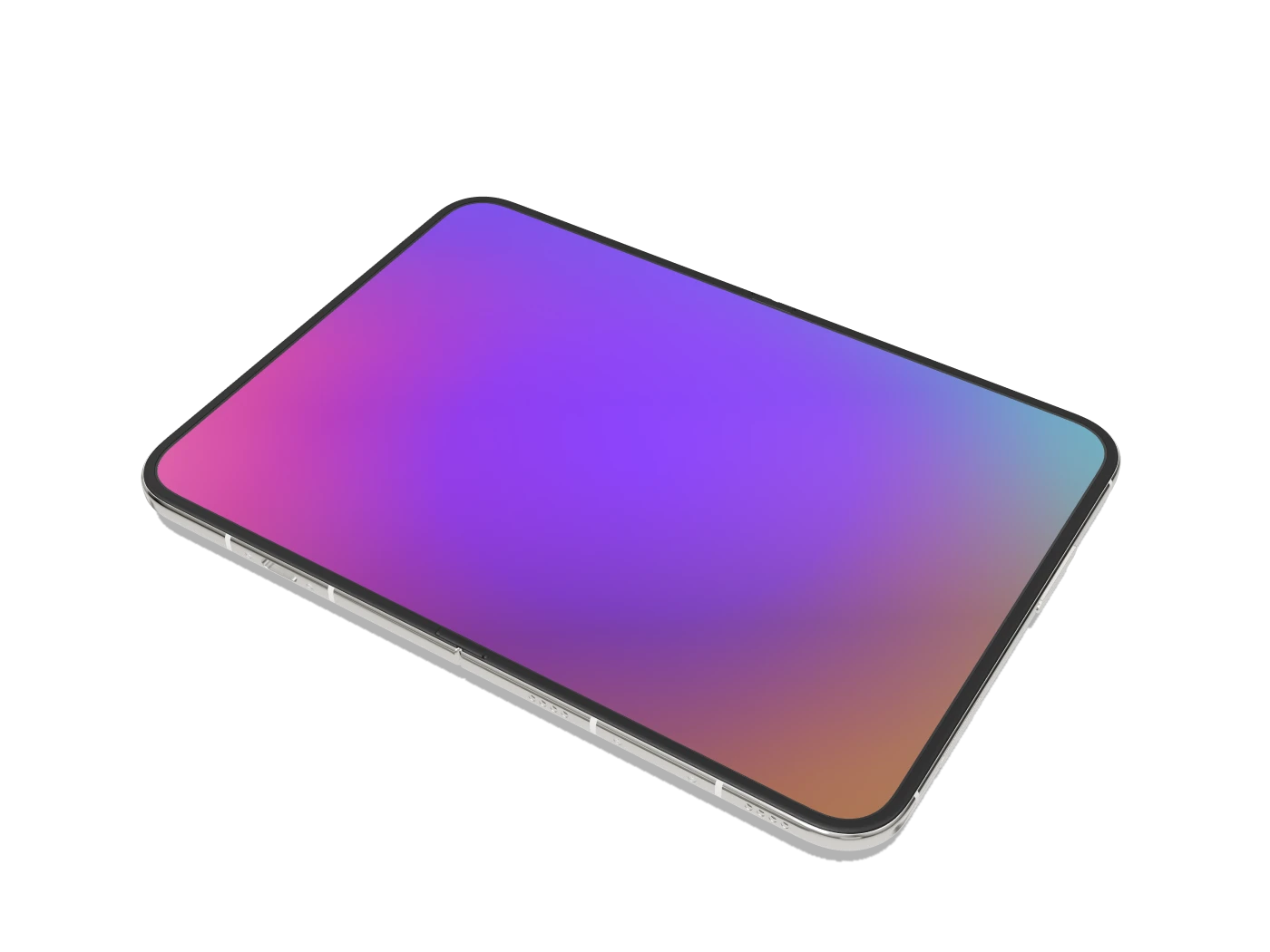
iPhone Duo 3D Mockup
Put your screenshot on the folding device, set the fold angle, then export a transparent PNG or a short MP4. Every frame is rendered in your browser from a rigged model with a working hinge.
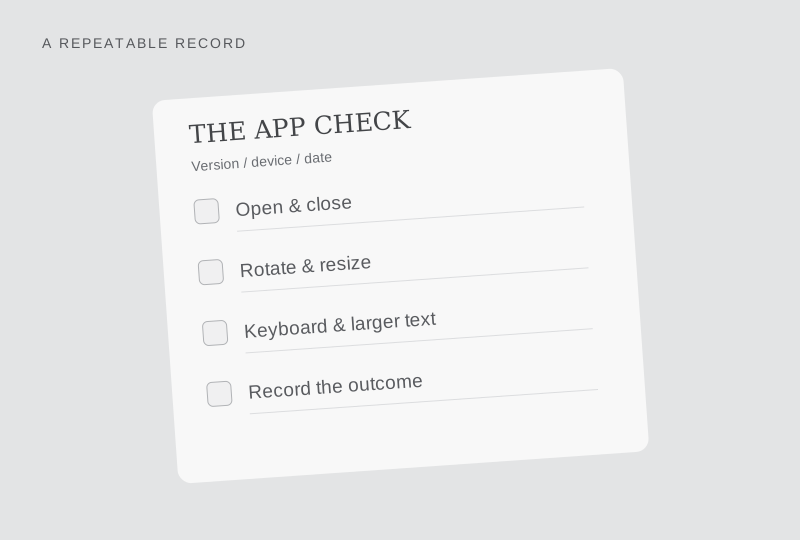
The studio draws a supplied 3D model. Its two display panels carry the proportions of Apple’s published pixel counts, so a screenshot lands at the right shape, but a render is an illustration rather than a measurement of shipping hardware. The checklist is a record template. For what an app’s developer has published, see the app support table, or open a profile in the directory.