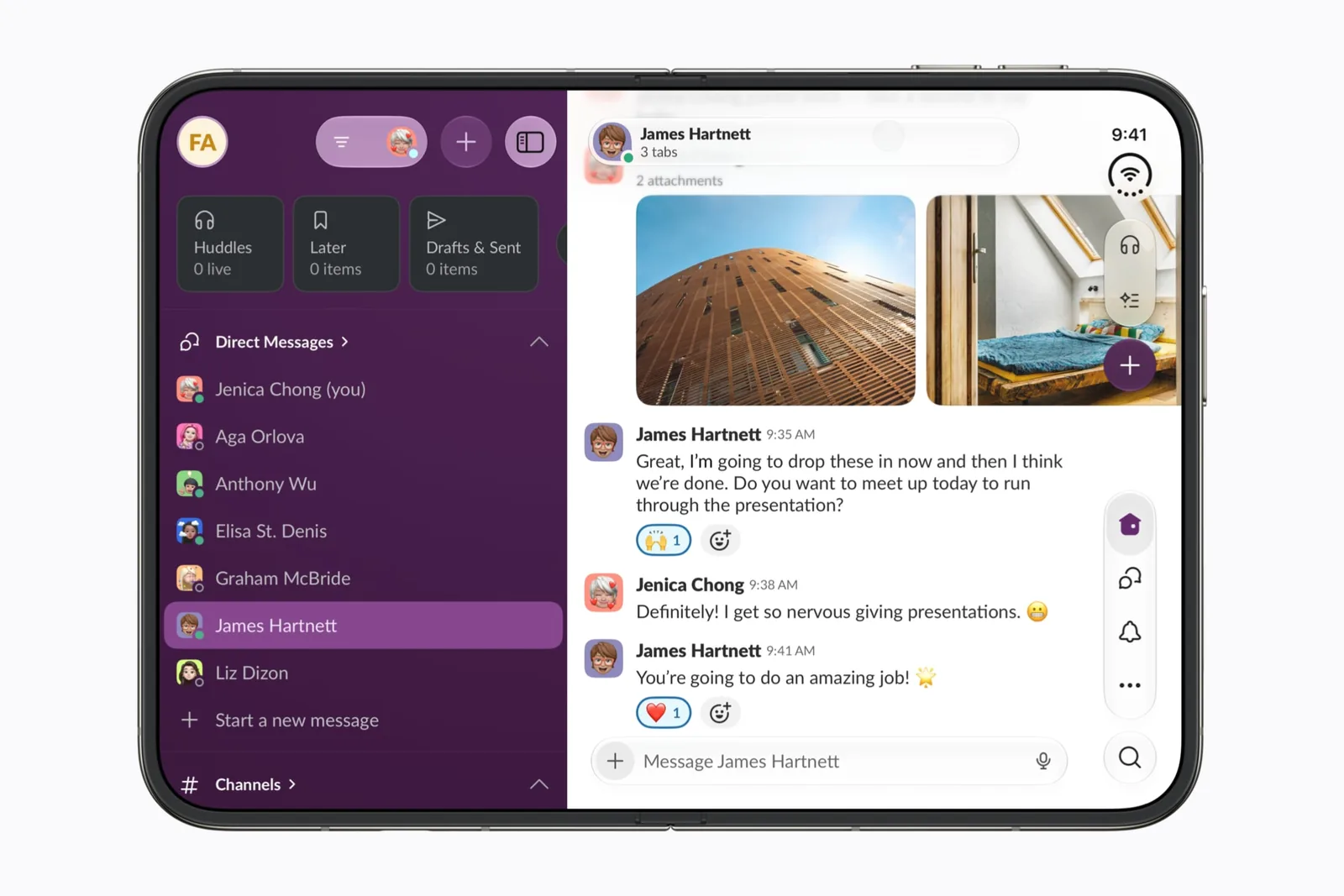
iPhone Duo outer display: what apps can and cannot do
The smaller screen runs apps. It does not create windows.
THE MOCKUP STUDIO
Drop in a screenshot and it lands on the folding display. Set the fold angle, pick a camera move, then export a transparent PNG or an MP4. Nothing is uploaded.
IPHONE DUO
Loading the device model.
App pages, press kits and release notes all need the same picture: the thing you made, on the device someone will hold. Without the device on your desk, that picture has to be rendered. A layered template can only give you the angles it was drawn at, and none of them bend. An iPhone Duo 3D mockup is made here from a rigged model instead, at whatever fold angle and camera angle you ask for, and hands back a PNG or a short video file.
Nothing is uploaded. The image you drop in is drawn onto a texture inside the page, and the file you download is produced by your own graphics hardware. Closing the tab removes every trace of it.
Apple lists the inner display at 1878 by 2670 pixels and the outer display at 1398 by 2034. The model’s inner panel measures 158 by 110.8 mm and its outer panel 77.4 by 112.3 mm, which reduce to 1.426 and 0.689 against Apple’s 1.422 and 0.687. The studio maps your screenshot to those published ratios rather than to the mesh, so an image arrives at the shape Apple published, cropped or letterboxed by your choice of fit.
Apple states in three places that the two displays share one aspect ratio, and publishes no figure for it. The two pixel counts do not reduce to the same number. That gap is Apple’s, and the black-bars guide works through what it means for video.
The asset carries a 31-bone armature and a baked clip library from its author, including three ways of shutting the device. The flexible inner panel is weighted across 23 of those bones, so it curves through the hinge instead of creasing at a single line. The studio measures the angle between the two halves off the rig itself: three vertices at each end of that panel give the plane of each half, and the angle between the planes is the fold. It samples that 96 times per hinge and inverts the curve, which is what lets the slider ask for 104 degrees and get 104 degrees rather than a position in somebody else’s timeline.
Three hinge choices change which half travels. They look the same flat and shut, and different everywhere in between.
Each of the five moves is two poses and a single ease between them. The fold, the rise and the swing are read at the same eased moment, so no part of a move changes pace against another part and nothing stops halfway through. The camera holds one distance unless the device itself changes size: a turntable never moves in or out at all, and a fold pulls back once, evenly, as the device opens. Play a move on the model before you render anything; the file is what you make once it already looks right.
The renderer then draws every frame at the size you asked for and hands it to the browser’s own video encoder, so a slow machine produces the same file as a fast one and takes longer doing it. If that encoder is missing, or stops answering, the page records the canvas in real time instead and says which route it used.
The model is 0.90 MB: 73 parts, about 84,000 triangles, one skeleton and 15.9 seconds of animation, compressed with meshopt and carrying WebP textures. The original supplied asset is 5.7 MB. Three.js and the model are requested by this page and by no other page on the site, the renderer draws a frame only when something changes, and it draws above the screen’s own pixel grid and resamples, which is what keeps the edges clean. On hardware that cannot hold the pace it drops resolution rather than frame rate.
Colors, materials and proportions belong to the supplied asset and to the lighting chosen here. A render does not establish dimensions, finishes, colors on sale, or how any app will actually lay itself out. For what an app’s developer has published, read the app support table. For behavior on real hardware, use the app-testing record.
The same asset opens in Quick Look on an iPhone or iPad if you would rather look at it in the room you are in: open the USDZ file.
A good next read
The smaller screen runs apps. It does not create windows.
Review the assumptions that break when an iPhone can resize.