Locate the unused space first
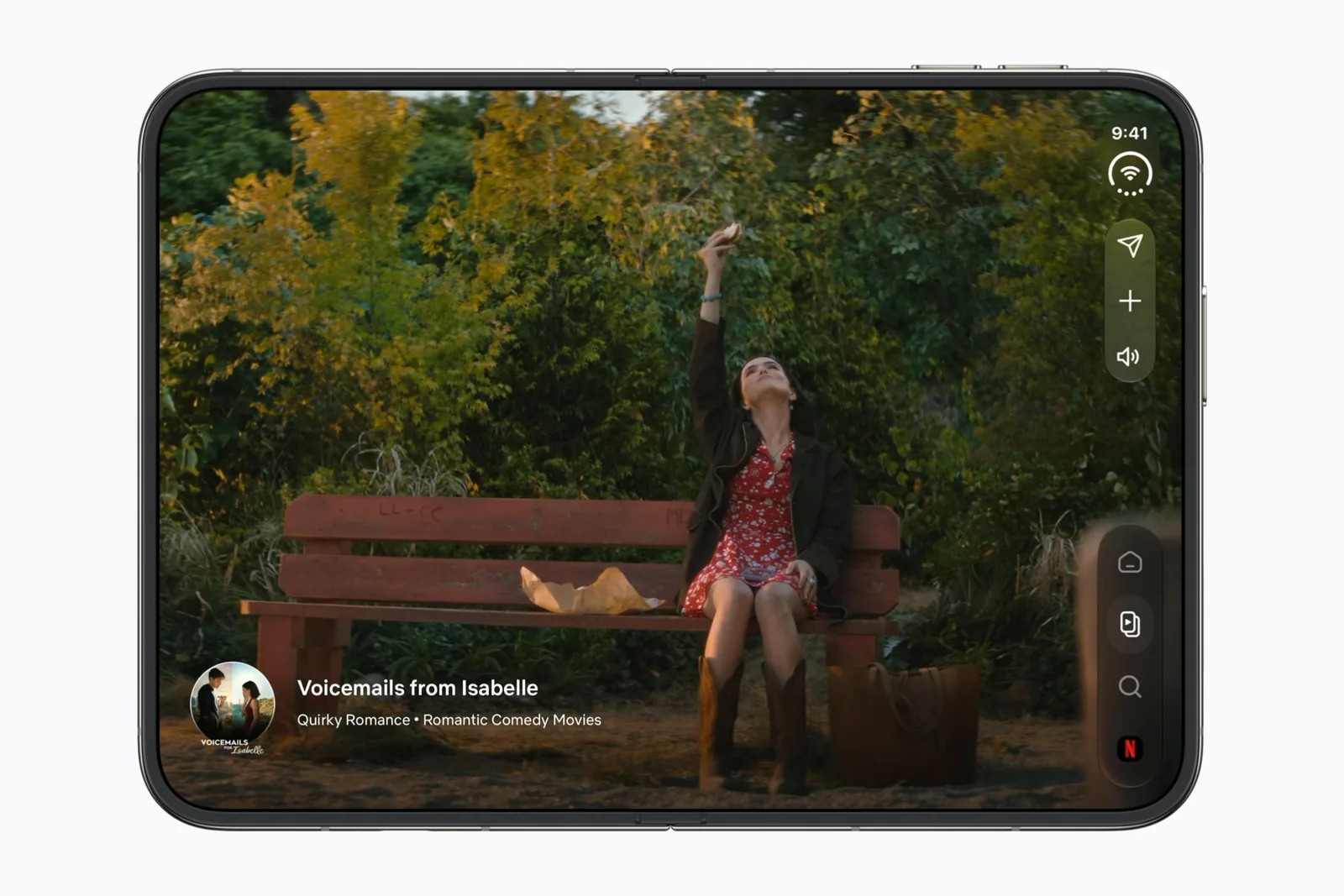
Show the playback controls. If the app controls occupy the wider area but the film does not, inspect the content ratio before concluding that the app is unadapted.
If the entire interface sits in a restricted area, including navigation and buttons, inspect the app version and layout support. Apple’s preparation talk shows how screen usage changes with SDK adoption. Appearance alone does not tell you which SDK a particular binary used.
A widescreen film covers about 80% of the inner display
Apple’s specification page lists the inner display at 1878 by 2670 pixels. The open body measures 164.6 mm across and 117.8 mm top to bottom, so the long side runs across when you unfold the device: 2670 wide by 1878 tall.
Fit a 16:9 frame into that rectangle and the scale is the smaller of 2670 ÷ 1600 and 1878 ÷ 900, which is 1.66875. The picture lands at 2670 × 1501.88. That covers 4,010,006 of the screen’s 5,014,260 square units, or 80%. The other 20% is two bars, each 188.06 units high.
A 2.39:1 film is worse: 59.5% of the screen, with bars of 380.42 units. Eighty percent is as good as widescreen gets here. The bars are the shape of the screen meeting the shape of the film, and no app setting changes either one.
| What you are watching | Share of the inner display | Each bar |
|---|---|---|
| A 16:9 episode. | 80% | 188.06 units high. |
| A 2.39:1 feature film. | 59.5% | 380.42 units high. |
| A 9:16 vertical clip. | 39.6% | 806.81 units wide, at the sides. |
Apple says the two displays match, and its own numbers do not
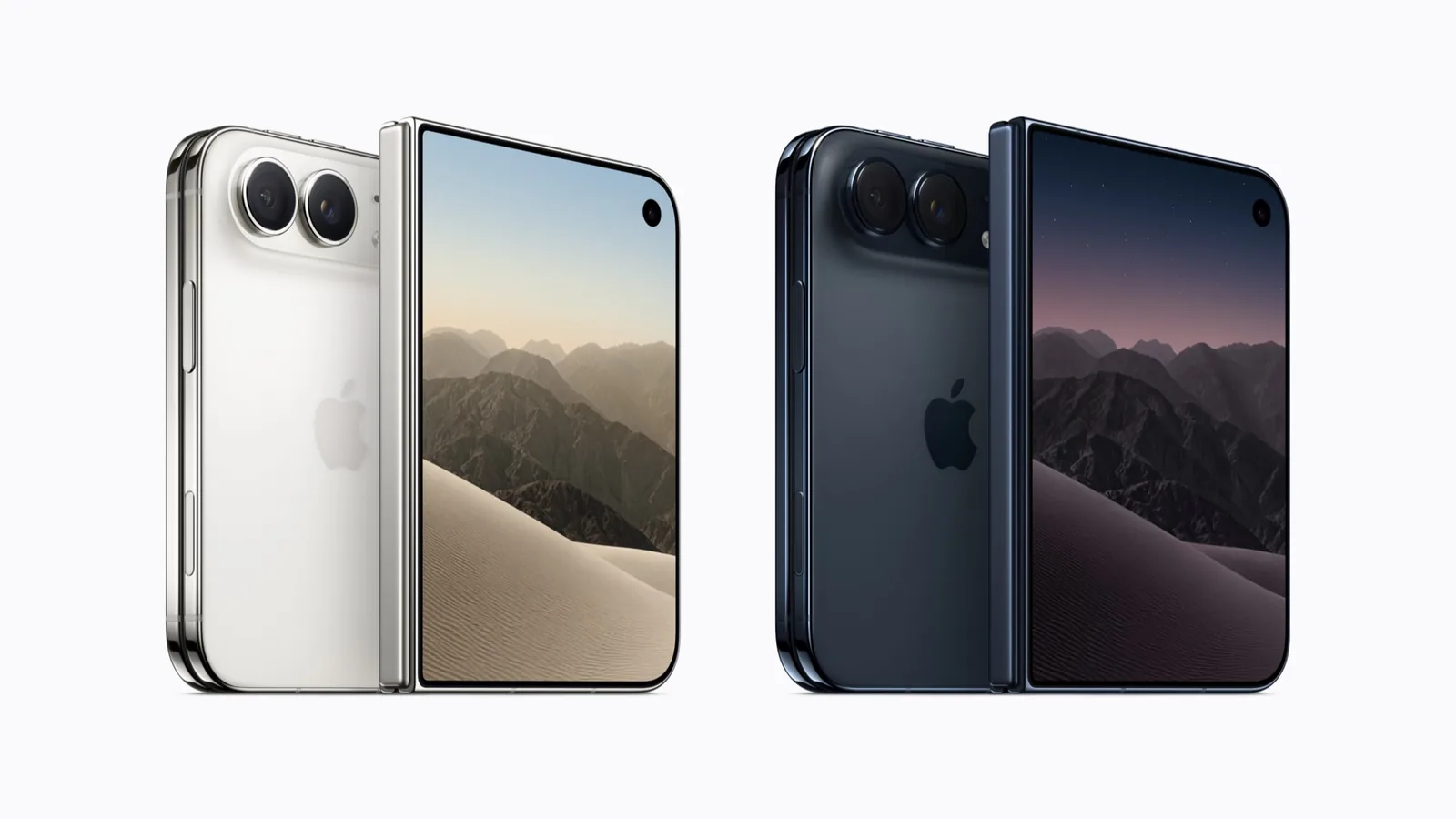
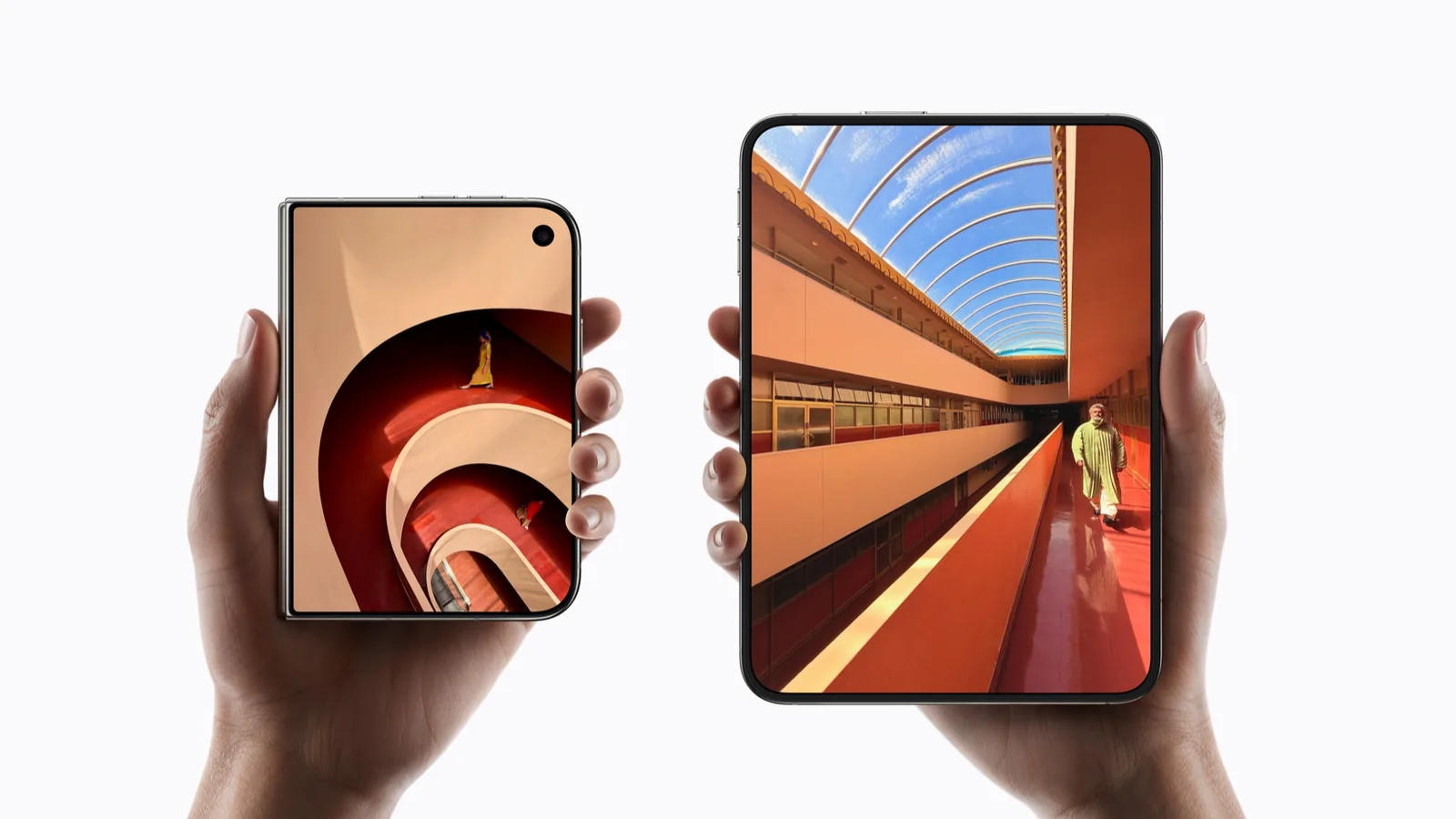
Apple states in three separate places that the displays share one aspect ratio. The product page puts it as the ratio being consistent across the inner and outer display. Apple prints no figure for it anywhere, and the word aspect does not appear on the specification page at all.
Do the division and the two do not match. The inner display gives 2670 ÷ 1878 = 1.4217. The outer gives 2034 ÷ 1398 = 1.4549. The gap is about 2.3%, which is too large for rounding, and each figure agrees with the diagonal Apple publishes for that display. Apple has not explained the difference.
This matters for one practical reason. A video that fits the folded screen with a certain bar depth will not land exactly the same way once you open the device. Every number on this page is arithmetic done here on Apple’s published pixel counts. None of it is a ratio Apple states.
Filling the screen trades edges for area
Fill the same screen with the same 16:9 frame and the bars go away. So does 20% of the picture: 160.22 of the video’s 1600 horizontal units come off each side. On a centred landscape shot you may never notice. On a wide two-shot you lose a face.
The model treats both rectangles as flat, so rounded corners, the camera area, playback controls and safe areas sit outside it. It describes geometry rather than any particular zoom control an app may offer.
Vertical video is the same problem rotated
A portrait clip in a wide space can leave bars on the sides rather than above and below. Preserve the whole image to keep its edges; fill the space to crop them. Neither choice turns the original content into a different composition. The folded screen is the taller of the two, which flips the problem; what the outer display gives an app covers that side.
Use a frame with text or a face close to the edge when deciding. A centered landscape shot can hide how much a crop removes. Check captions in the finished view, not just while controls are hidden.
Check Netflix’s app and plan separately
Netflix’s official-preview profile covers outer-display Clips and the larger viewing experience shown by Apple. It does not certify edge-to-edge playback for every title.
Netflix’s iOS help also places conditions on Picture in Picture. Keep that account-level question separate from video framing. Changing your display arrangement cannot remove a plan restriction.
Report a specific layout problem
A useful report says whether the whole app or only the video is constrained. Include the title or a non-sensitive sample, orientation, app version and whether the player controls were visible.
Then use the app-testing checklist for continuity and keyboard checks. This guide does not diagnose DRM failures, network buffering or a device’s maximum supported streaming quality.
Sources & scope
Primary references. The claim beside each link sets its scope.
- iPhone Duo — Technical SpecificationsApple · Checked Sep 20, 2026
Published display resolutions, pixel density, dimensions and weight. Apple prints no aspect ratio figure on this page.
- iPhone DuoApple · Checked Sep 20, 2026
Marketing description and FAQ, including the statement that the aspect ratio is consistent across both displays. Marketing copy, not a specification table.
- Prepare your app for iPhone DuoApple Developer · Checked Sep 19, 2026
SDK-dependent screen usage, size classes, safe areas and Device Hub. Transcript reviewed.
- Using Netflix on iPhone and iPadNetflix Help Center · Checked Sep 19, 2026
General iOS installation, downloads and Picture in Picture requirements; not a Duo-specific certification.