Record the room. Phrase writes the note.
Phrase is an AI note taker from Eversight for iPhone, iPad, Mac and Apple Watch. Record a meeting, a lecture or a voice memo, or bring in audio, video, a PDF or photos. Phrase writes the note: a summary, the decisions and every to-do, with a timestamped, speaker-labelled transcript attached.
Nothing joins the call and there is no account to make. Phrase records what the microphone hears, so it suits a meeting in a room; a Zoom, Teams or FaceTime call comes in as an imported recording. Every line can be retyped, and the editor takes photos, code, LaTeX formulas and Mermaid diagrams. Transcripts cover more than 100 languages.
Made for both screens
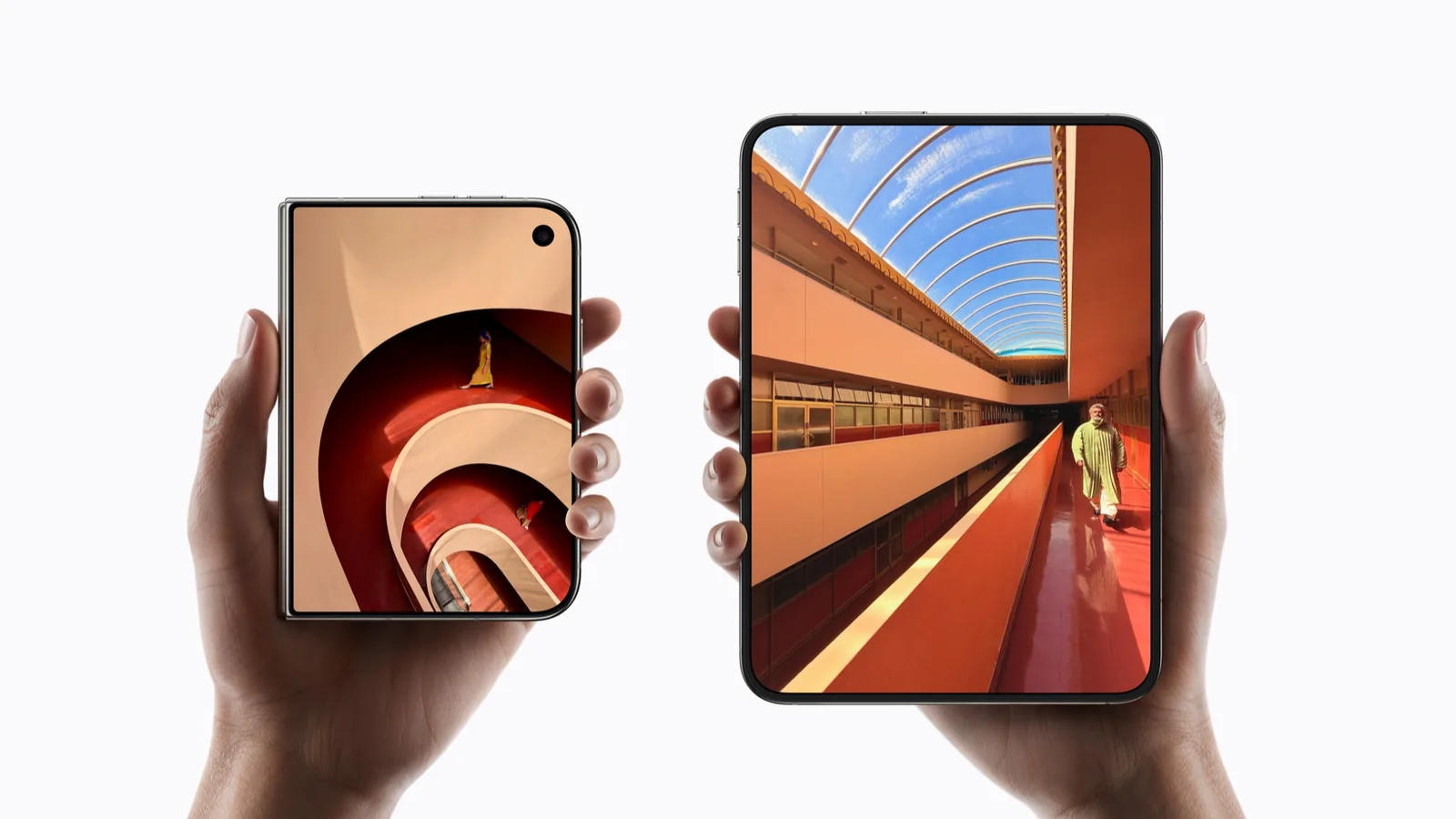
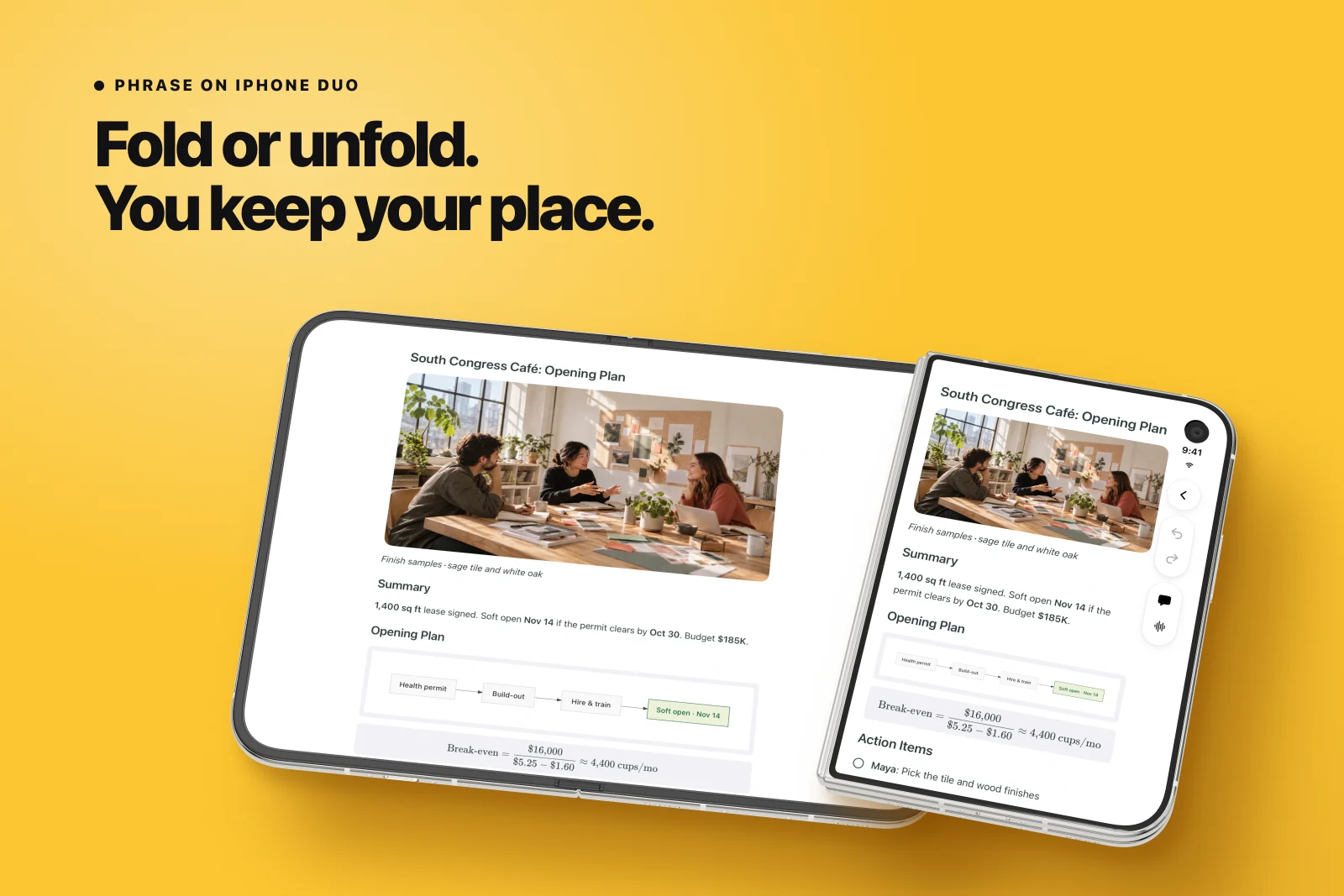
iPhone Duo support arrived in version 1.5.0 on 27 September 2026. Closed, the note fills the 5.4-inch outer display and the controls sit in a column beside the camera. Open, the 7.6-inch inner display gives the photos, the flowcharts and the formulas room.
Fold mid-sentence and nothing restarts. You stay on the same line of the note, and a recording that is playing keeps playing. It is exactly what our fold and unfold guide looks for in an app.
Which screen for what
The note follows you across the fold. Pick the screen for the moment.
| Moment | On iPhone Duo |
|---|---|
| Starting a recording | Closed: from the outer display, Control Center, the Lock Screen or Apple Watch. |
| Reading the note | Open: the photo, the plan and the transcript, with the audio beside them. |
| Folding mid-playback | The audio keeps playing and the note stays on the same line. |
| Editing | Retype any line on either screen, and undo any change. |
Your notes stay on your devices
Notes live on your iPhone, iPad and Mac, and with Pro they sync through your own iCloud. There is no Phrase account. Recordings are processed in the cloud to make the note, as the privacy policy sets out.
Phrase is free to download, with up to 100 notes and one free recording-to-note conversion. Pro adds unlimited notes, more conversions, the assistant, slide decks, flashcards, quizzes and iCloud sync, with one subscription across iPhone, iPad and Mac. The assistant asks before it adds a reminder or drafts an email.
Questions about Phrase on iPhone Duo
- Does Phrase work on the iPhone Duo outer display? Yes. Folded, the note fills the outer display with the controls in a column beside it, and a recording can start right there.
- Does the audio stop when I fold the phone? No. Fold or unfold and the audio keeps playing, on the same line of the note.
- Is Phrase free on iPhone Duo? Yes, to download, on the same App Store listing as iPhone, iPad and Mac. The free tier holds up to 100 notes; the assistant, iCloud sync and the study tools come with Pro.
- Can Phrase record a Zoom or FaceTime call? No. It records the room through the microphone and never joins a call. Import the call’s recording instead.
Try it on iPhone Duo
- Update to Phrase 1.5.0 or later.
- Start a recording on the outer display, then open the phone.
- Tap a line in the transcript and fold the phone mid-sentence.
- Open a note with a photo or a diagram on the inner display.
Sources & scope
Primary references. The claim beside each link sets its scope.
- Phrase: AI note taker for iPhone, iPad and MacPhrase · Checked Oct 8, 2026
Features, devices and the iPhone Duo behaviour: both displays, and your place and the audio kept through a fold.
- Phrase: AI Meeting Note Taker, App Store listingApple App Store · Checked Oct 8, 2026
Version 1.5.0 of 27 September 2026, which added iPhone Duo support, with the supported-device list, the price and the iOS 26 minimum.
- Phrase FAQ: recording, devices, iCloud sync and privacyPhrase · Checked Oct 8, 2026
The free tier and Pro, how a recording becomes a note, call recording, and iPhone Duo on both displays.
- Phrase support: devices and requirementsPhrase · Checked Oct 8, 2026
System requirements: iPhone, iPad and iPhone Duo on iOS or iPadOS 26 or later, Mac on macOS 26, Apple Watch for recording.
- Phrase privacy policyPhrase · Checked Oct 8, 2026
Cloud processing for recordings, AI requests and iCloud sync with Pro. Updated 25 September 2026.