Start with the conversation, not the column count
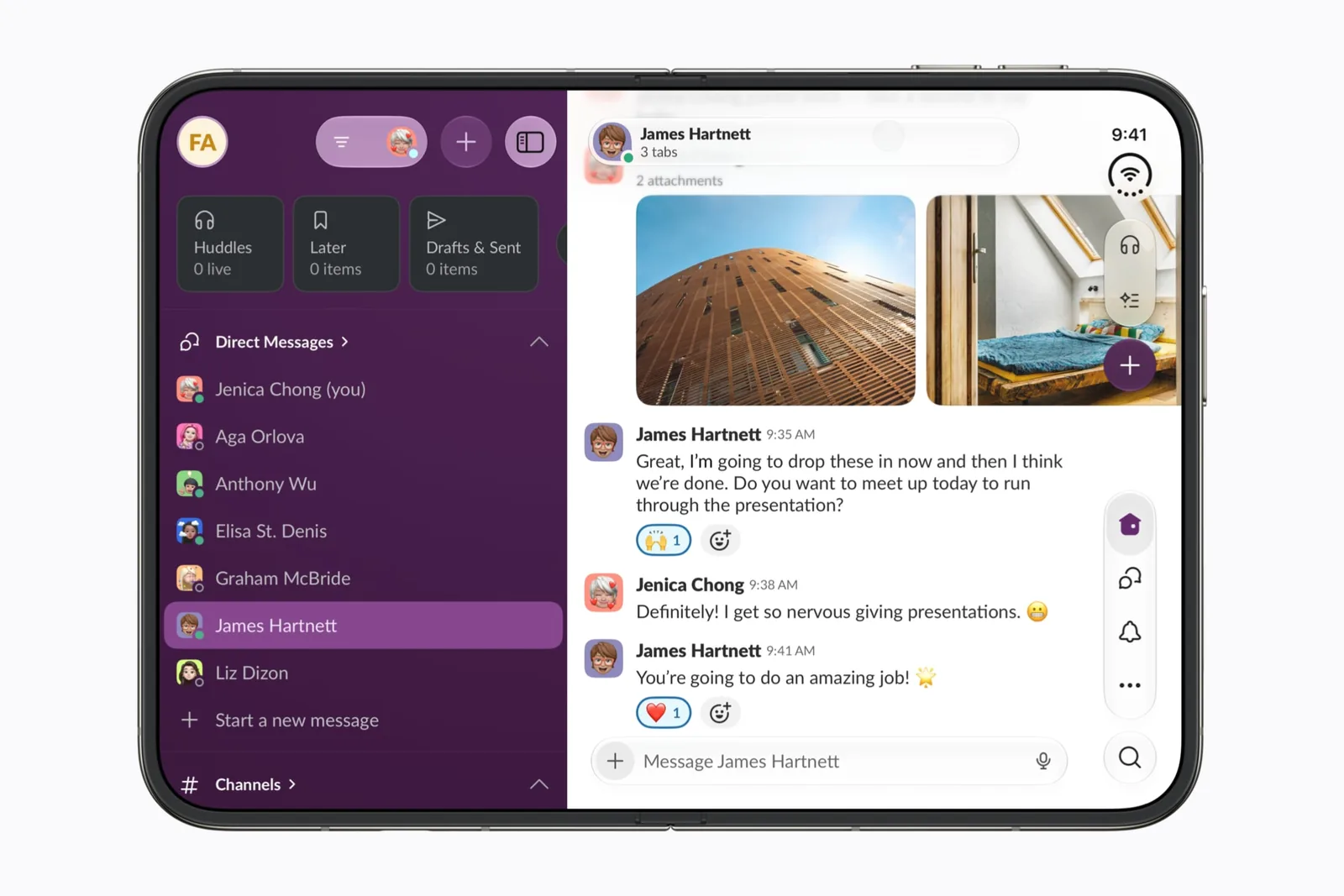
Apple’s announcement is the source for Slack’s inclusion. Our editorial interest is context: you should be able to tell where a message belongs while deciding whether to reply.
Counting columns is a poor substitute for that task. Try a channel with a long name and a thread with several replies. Check whether you can identify the channel, follow the parent message and compose a response without losing your place.
Keep the meeting handoff explicit
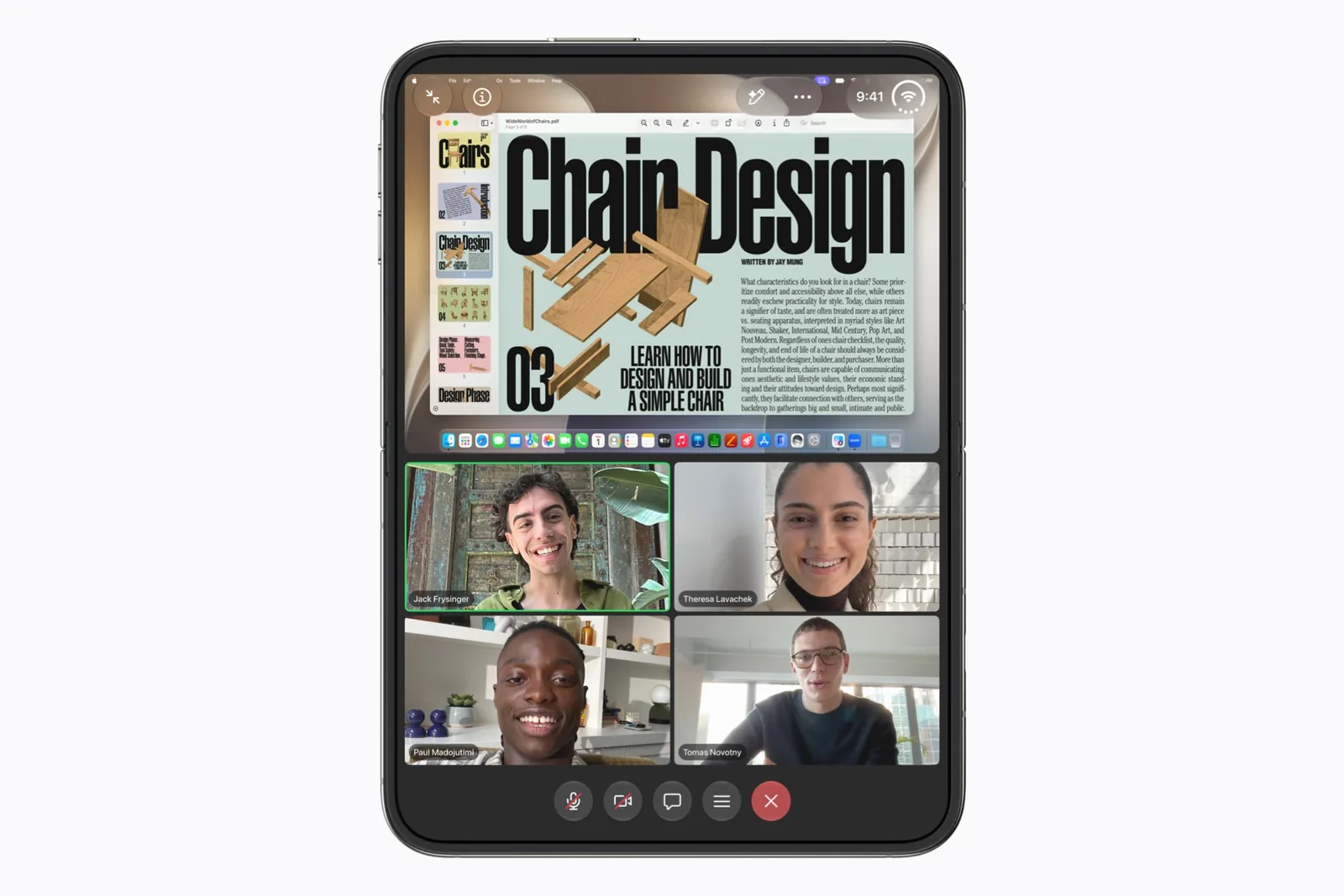
Slack and Zoom answer different questions in this directory. Slack’s preview concerns workspace context; Zoom’s concerns people and shared meeting content. Neither profile claims a tested, persistent connection between the two.
For an app-pair experiment, write the intended handoff first: read the meeting context in Slack, then follow the call. Use the app-pairs guide to record what worked instead of calling every combination optimized.
Workspace rules still matter
Do not attribute every missing option to the display. Check the same account and workspace on your current device before comparing layouts. A feature difference caused by access or policy should not become a foldable compatibility report.
Save a profile when its task matches your day. To make a useful app submission, include the app version and a public, non-sensitive source rather than a screenshot of a private conversation.
A useful first check
Use these prompts when you have the app and device in hand. They are a test plan, not reported test results.
- Follow a long thread with the keyboard visible.
- Switch channels without sending the draft to the wrong place.
- Test the same workspace and account on both devices.
- Record app version and text-size setting.
Keep a repeatable test record with the app version, software build and outcome.
Sources & scope
Primary references. The claim beside each link sets its scope.
- Apple unveils iPhone DuoApple Newsroom · Checked Sep 19, 2026
Official announcement and app previews; not a retail-device test.
- Design for iPhone DuoApple Developer · Checked Sep 19, 2026
Design guidance and transcript: resizable layouts, controls, Split View and fold avoidance.