Safari + Safari: compare the same thing
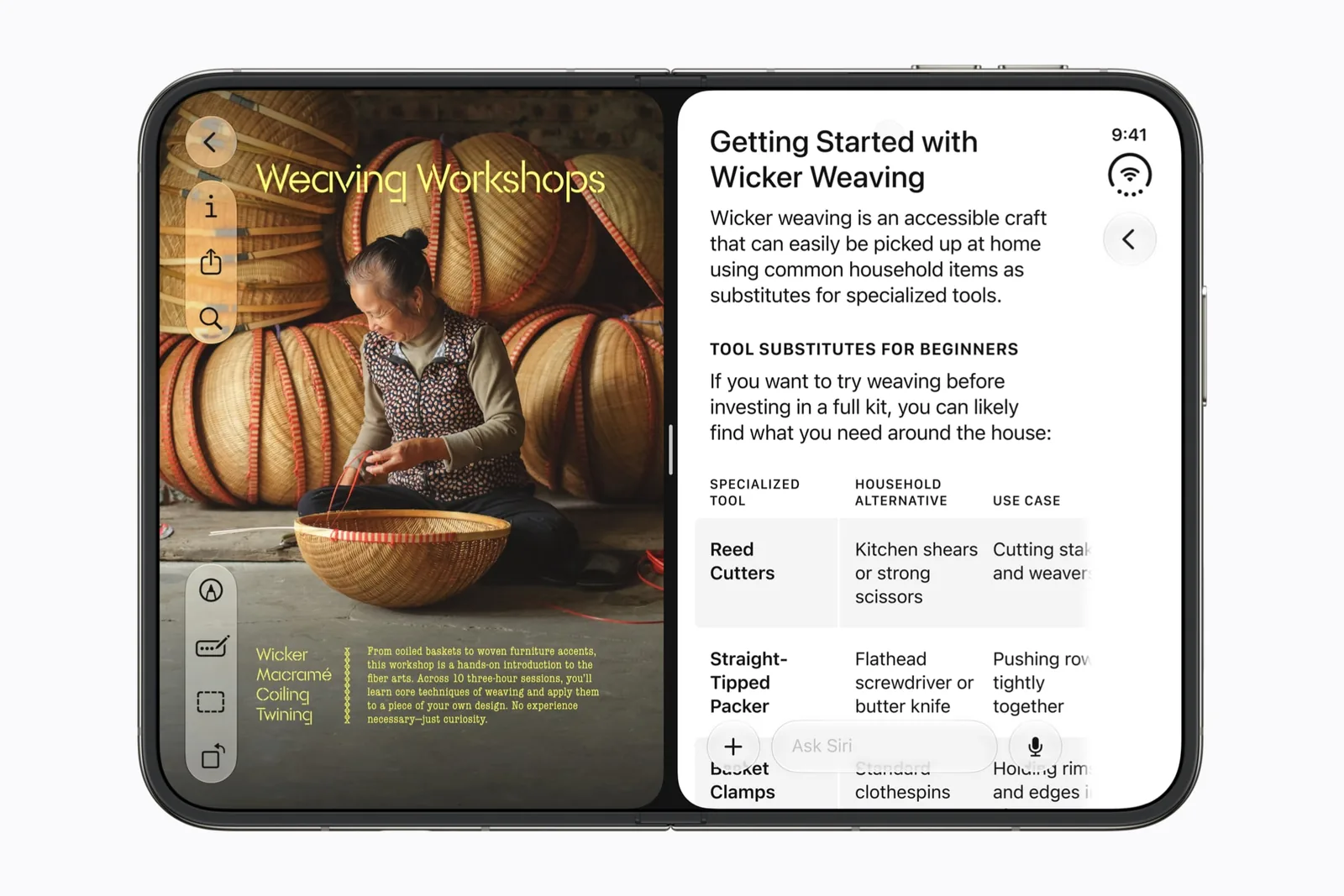
Apple explicitly names Safari as an example of two windows from the same app. Put the official specifications on one side and a listing on the other. Match the model, size and region first.
Pass condition: you can find the same specification on both pages without switching tabs. Failure condition: a consent banner, fixed header or narrow table hides the information. Treat that as a page-layout problem to inspect, not proof that all browser pairs are unhelpful.
Slack + Safari: keep the source next to the thread
Our suggested task is to read a public reference while composing a reply. Keep the original wording in view rather than relying on memory. Slack’s profile explains what Apple previewed for workspace context; it does not claim this pairing was tested.
Pass condition: with the keyboard visible, you can still read the detail you need and identify the destination channel. Failure condition: the source becomes too cramped or you lose track of the thread. In that case, copy a short reference and finish the draft in one app.
Zoom + Safari: a reference beside a meeting
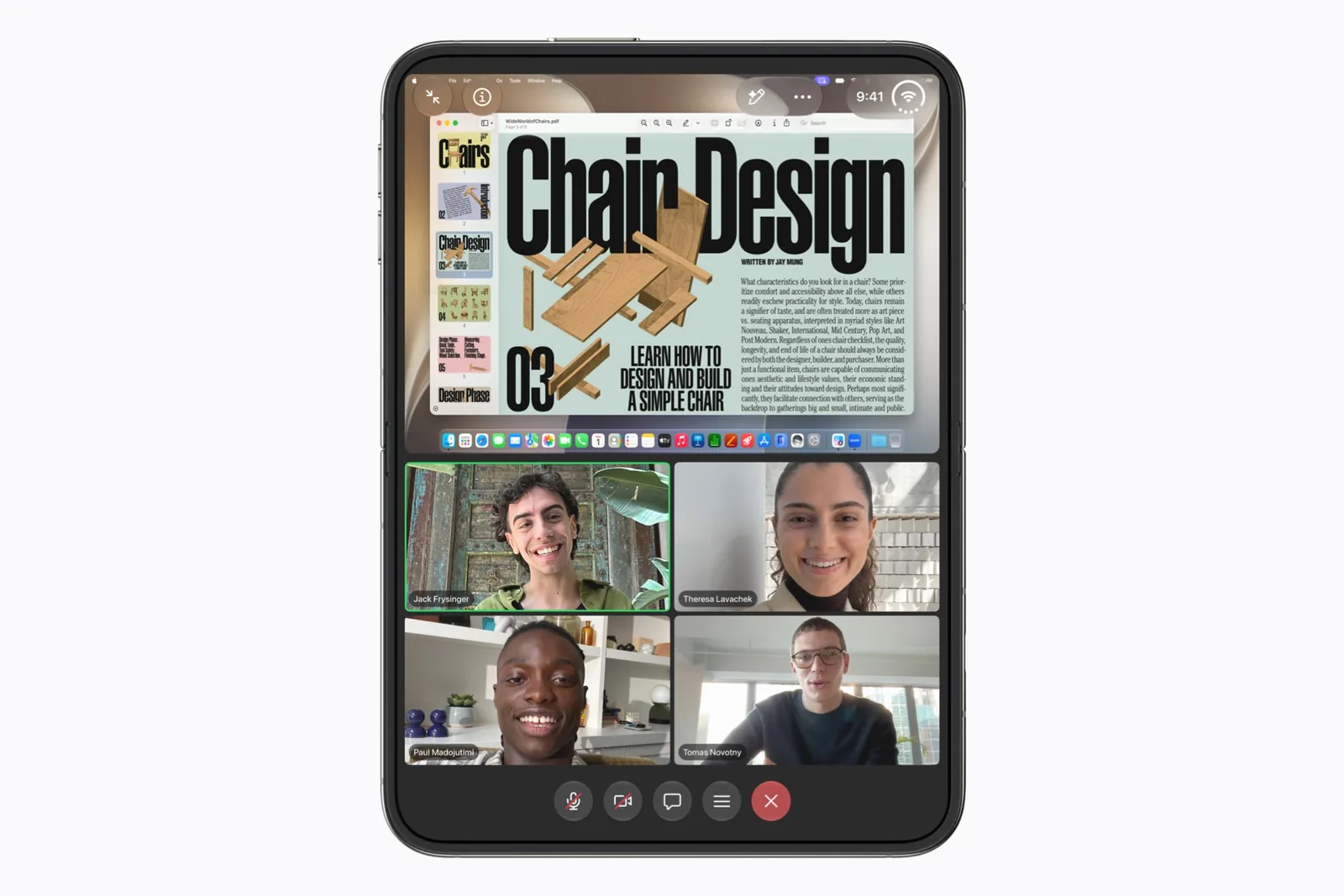
Use a public agenda or a presentation reference, not a second competing call. This is distinct from Zoom’s announced view of participants and shared content, which lives inside the meeting app.
Pass condition: the meeting continues in the way you require while the reference remains readable. Check audio and camera behavior in a practice call. Do not infer either from a still screenshot of two windows.
Detail + Safari: check the brief while editing
Put an export brief or public style reference next to the edit you are working on. Use the second pane to answer a specific question such as target framing or caption wording. Detail’s profile has a separate export checklist.
Pass condition: the reference saves you a context switch without making precise selection harder. Failure condition: the reduced editing area obscures the timeline or controls you need. A single larger editing canvas can be the better choice.
Write down a pass condition before saving
Apple announces saved app pairs, but this guide does not invent the final interface for creating them. Try the combination on your installed software and use the available system controls to save it.
Record the app versions alongside the task. A pair that works for reading does not automatically pass a test for recording, calls or protected video.
| Workflow | Must remain usable | Worth keeping |
|---|---|---|
| Compare pages | Both matching values. | The URLs and selected variants. |
| Reply with a source | The draft and destination. | A non-sensitive test thread. |
| Follow a meeting | Required call behavior. | Versions and a private test result. |
| Edit to a brief | Precise selection and preview. | Your own short source clip. |
Know when to return to one app
Two visible apps are not a goal by themselves. If a second pane reduces readability or makes the main action harder, use one app and switch deliberately.
Use the multitasking guide to understand the system arrangement and the compatibility guide to read the labels. For team workflows, the work collection keeps the relevant profiles together.
Sources & scope
Primary references. The claim beside each link sets its scope.
- Apple unveils iPhone DuoApple Newsroom · Checked Sep 19, 2026
Official announcement and app previews; not a retail-device test.
- Design for iPhone DuoApple Developer · Checked Sep 19, 2026
Design guidance and transcript: resizable layouts, controls, Split View and fold avoidance.