COLLECTION 02 / 4 APPS
iPhone Duo apps for work and focus
Keep the people, the conversation and the source within reach. Give each app a job before giving it half the screen.



Why these apps?
- 01A clear task: meeting, conversation or reference.
- 02What is known describes the app, not just the device.
- 03Keyboard and state continuity get their own checks.

Choose the context you keep losing
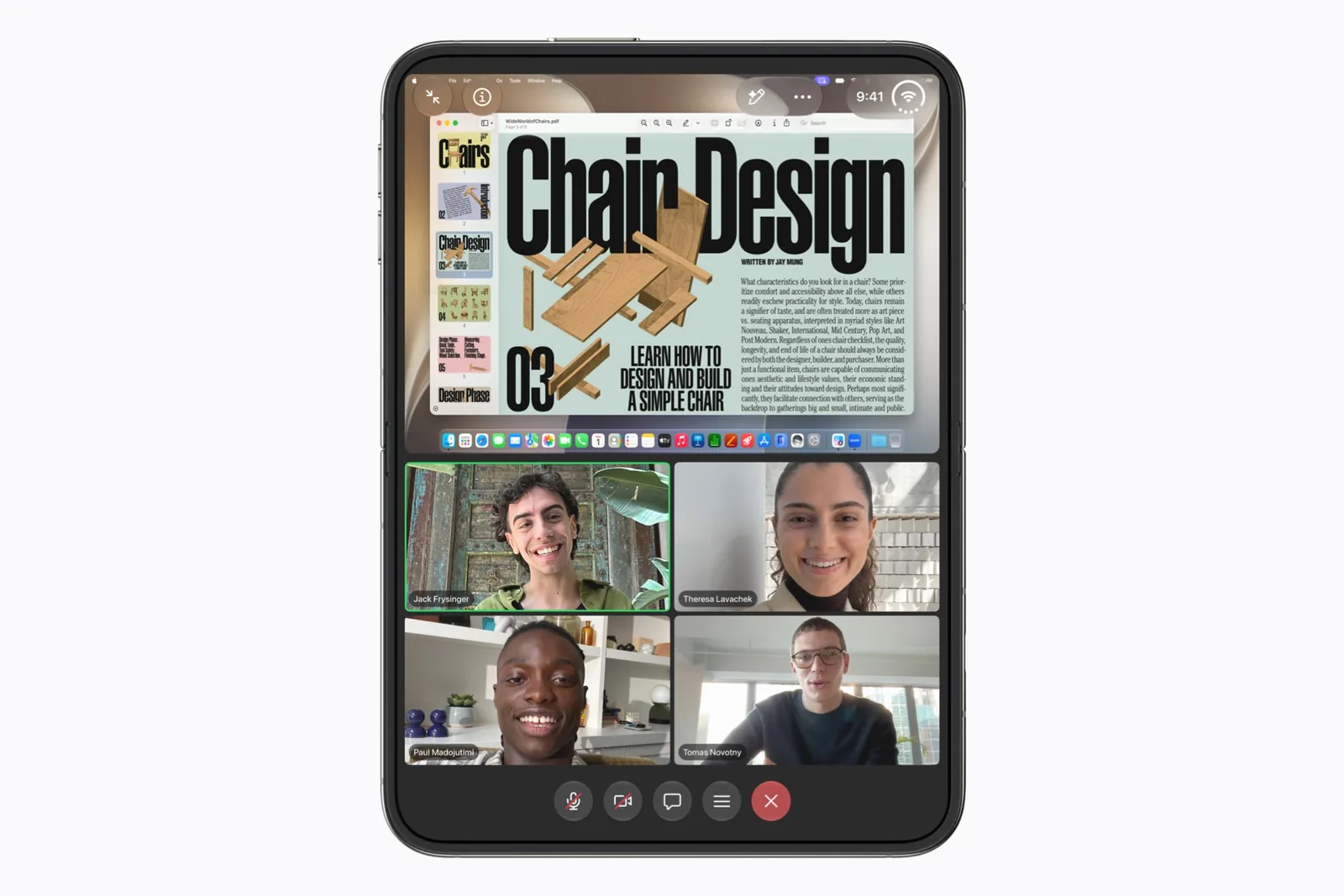
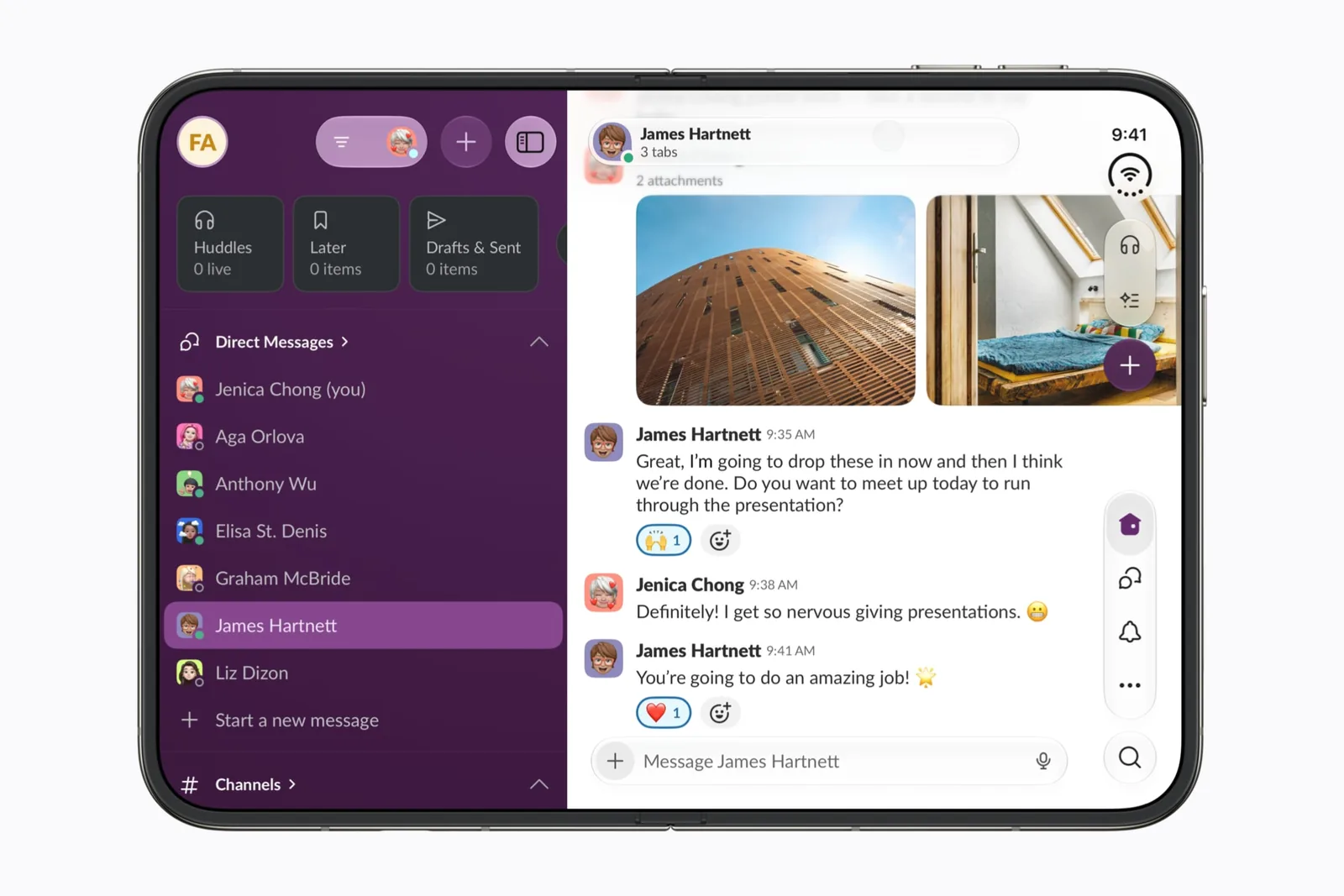
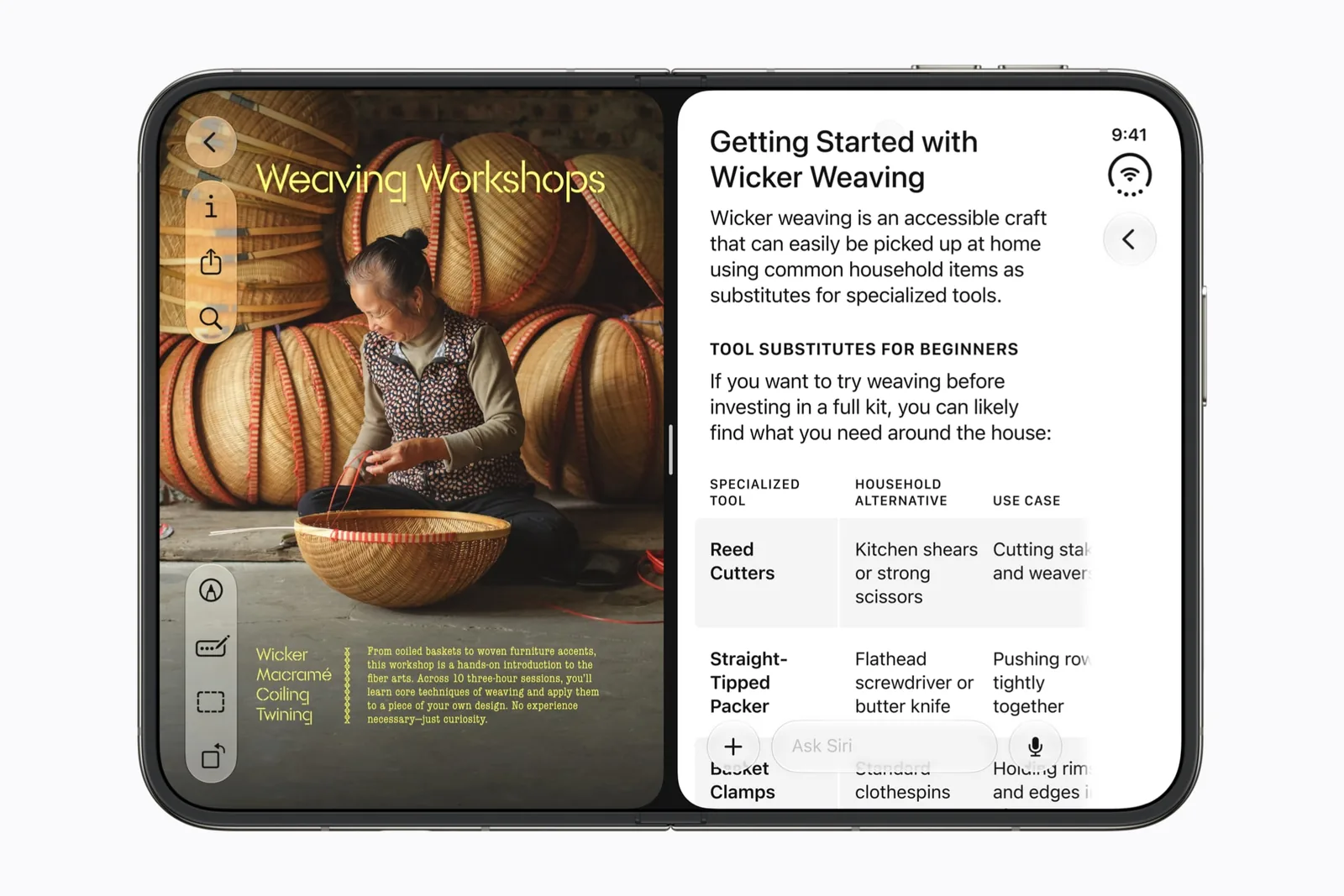
Zoom is the meeting profile. Slack is the workspace profile. Safari is the reference and comparison profile. Phrase is the notes profile: it records the room, writes the note and keeps playing when you fold. These are different tasks; no single score would explain the choice.
For your shortlist, name the information you need visible during the task. A face, a parent message and a specification each suggest a different test.
Test a pair before making it a habit
The app-pairs guide proposes reference-plus-action workflows. Each has a pass condition. The guide does not present those pairings as hands-on findings.
Use the multitasking explanation to separate an app’s own panes from two independently running apps. Then test the keyboard and return to the selected item.
A good next read
Keep exploring.
iPhone Duo app pairs: four workflows to try
Start with a task that needs two things in view.
iPhone Duo multitasking: Split View explained
Two apps, two windows, or two panes? Start with the difference.