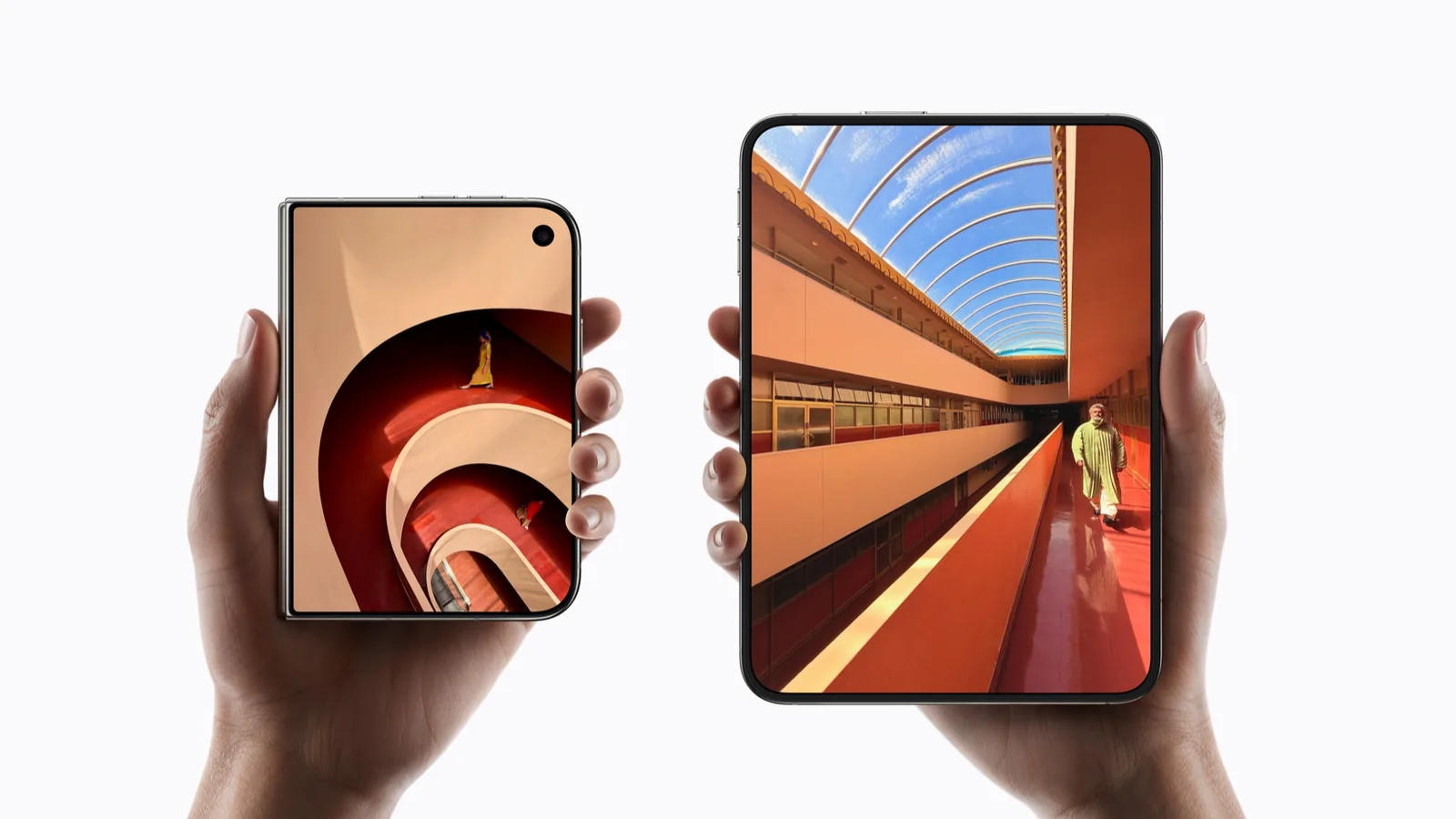
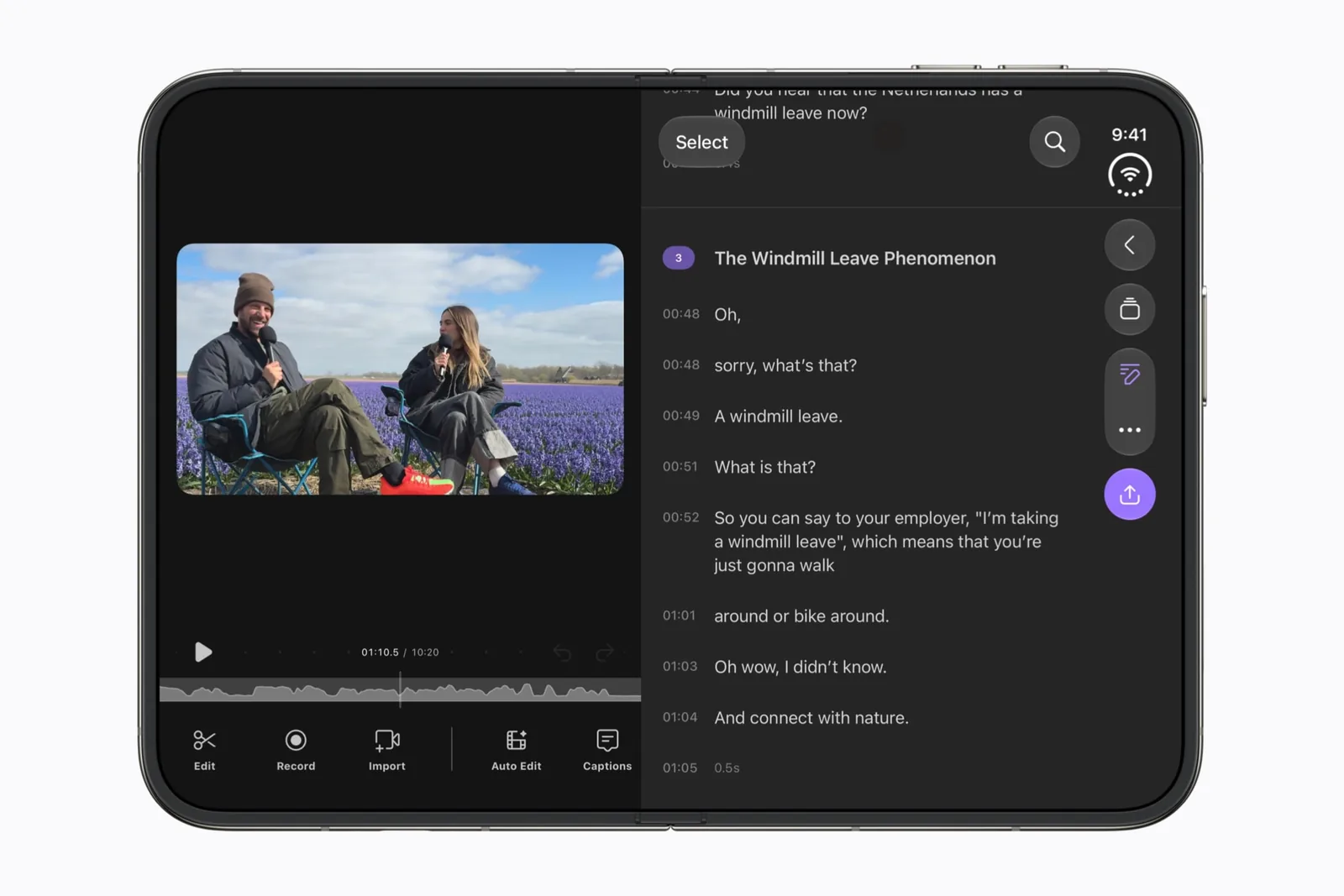
Choose it for the edit you need to finish
Apple’s launch preview is the basis for including Detail. Our reason to watch it is the space around an editing task: a preview, your current selection and the controls needed to change it.
Use your own short clip for an evaluation. Choose a shot with a face near the edge and a moment that needs a precise cut. Those make more useful test material than an empty timeline or a promotional screenshot.
Check the result, not just the preview
Make a small edit, preview it, and inspect the exported result. Confirm that framing, captions and timing match your choices. Treat the preview and export as separate checkpoints.
Next, close and reopen the device with an edit in progress. Record whether the selected clip and unsaved changes remain understandable. A successful transition should not require you to rebuild the edit.
| Checkpoint | Keep this on file |
|---|---|
| Framing | The same edge detail before and after export. |
| Timing | The selected cut and the exported transition. |
| Caption | A readable line in preview and in the finished clip. |
| Continuity | The selected clip after changing display. |
On-device AI is a specific claim
Keep the scope of Apple’s statement narrow. An on-device AI model does not establish that every feature, asset download or account operation works without a connection. Test the particular action that matters to you.
Before an offline session, prepare the media and check the workflow you plan to use. Do not infer file privacy, retention rules or all-feature offline support from a chip or framework name.
Separate capture from editing
Camera is the related profile for capturing with the device’s new display arrangement. Detail is the place to assess what happens after you have media to work with.
The create collection separates those stages. Keep one short source clip as your test asset, and use the compatibility checklist when you share a result.
A useful first check
Use these prompts when you have the app and device in hand. They are a test plan, not reported test results.
- Edit and export the same short clip.
- Check caption placement in the final output.
- Change display with a clip selected.
- Test one named AI action offline before making an offline claim.
Keep a repeatable test record with the app version, software build and outcome.
Sources & scope
Primary references. The claim beside each link sets its scope.
- Apple unveils iPhone DuoApple Newsroom · Checked Sep 19, 2026
Official announcement and app previews; not a retail-device test.
- DetailDetail · Checked Sep 19, 2026
Developer destination. Duo-specific claims on this site come from Apple’s announcement.
- Design for iPhone DuoApple Developer · Checked Sep 19, 2026
Design guidance and transcript: resizable layouts, controls, Split View and fold avoidance.