COLLECTION 03 / 3 APPS
iPhone Duo apps for creating and capturing
Frame the shot. Make the edit. Share the moment. A wider canvas should help you make a decision, not just hold more controls.


Why these apps?
- 01Capture, editing and calls remain separate tasks.
- 02Original files and final output are checked separately.
- 03Camera previews and private material are handled deliberately.


Keep capture and editing as separate checks
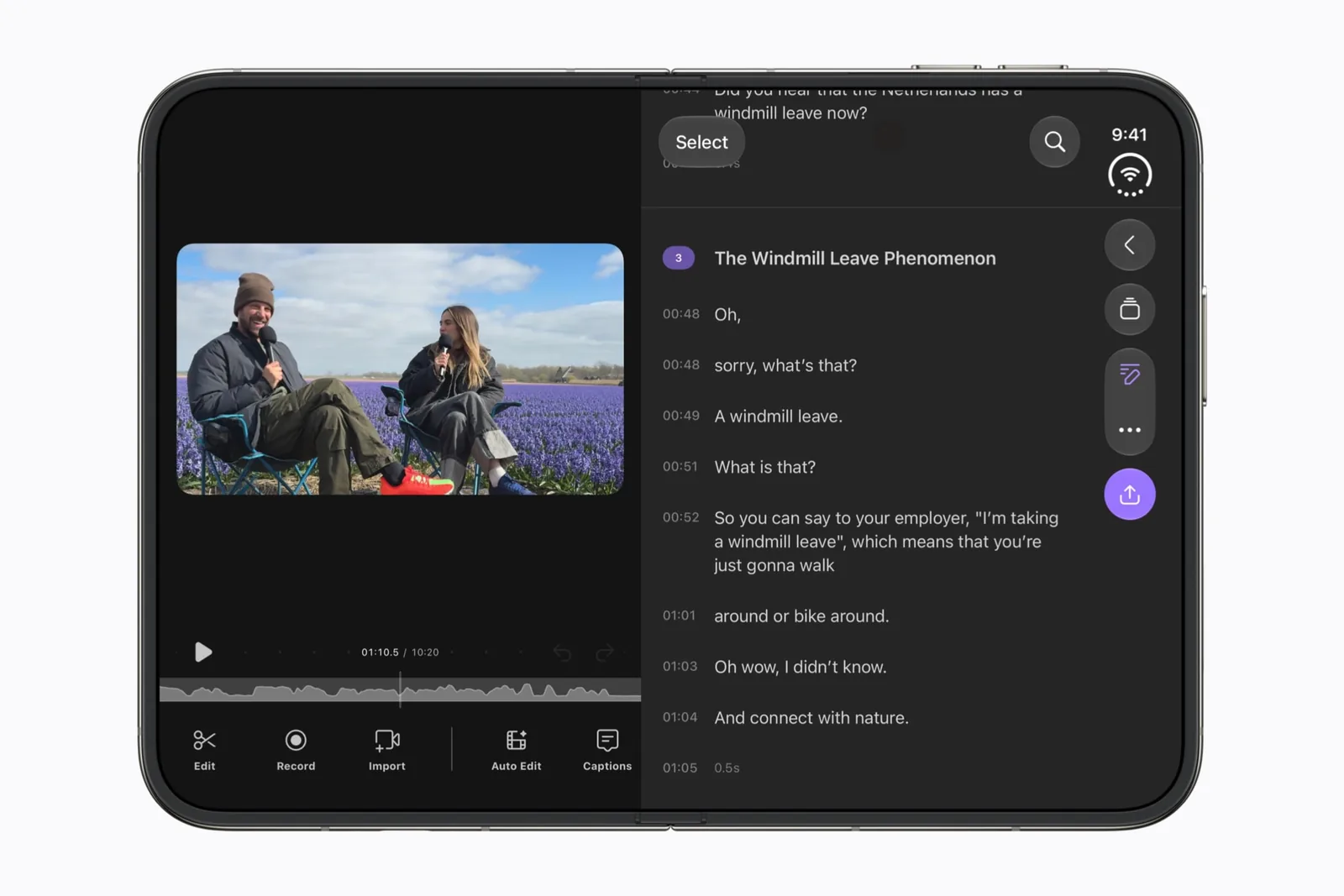
Camera covers framing with the outer display. Detail covers the editing candidate. Follow the same source clip through both stages and inspect the result after export.
A preview can look right while the final crop changes. Retain the original and compare a frame with important detail near its edge.
A call has a different audience
FaceTime concerns who can see and participate in a live conversation. Confirm the outgoing camera view before sharing a room or document. Do not infer calling behavior from a successful photo test.
Use the test record for versions and arrangements, and the compatibility guide when reading a preview claim.
A good next read
Keep exploring.
iPhone Duo app testing checklist
A small, repeatable test says more than a “works great” badge.
iPhone Duo adaptive layouts: a developer audit
Review the assumptions that break when an iPhone can resize.