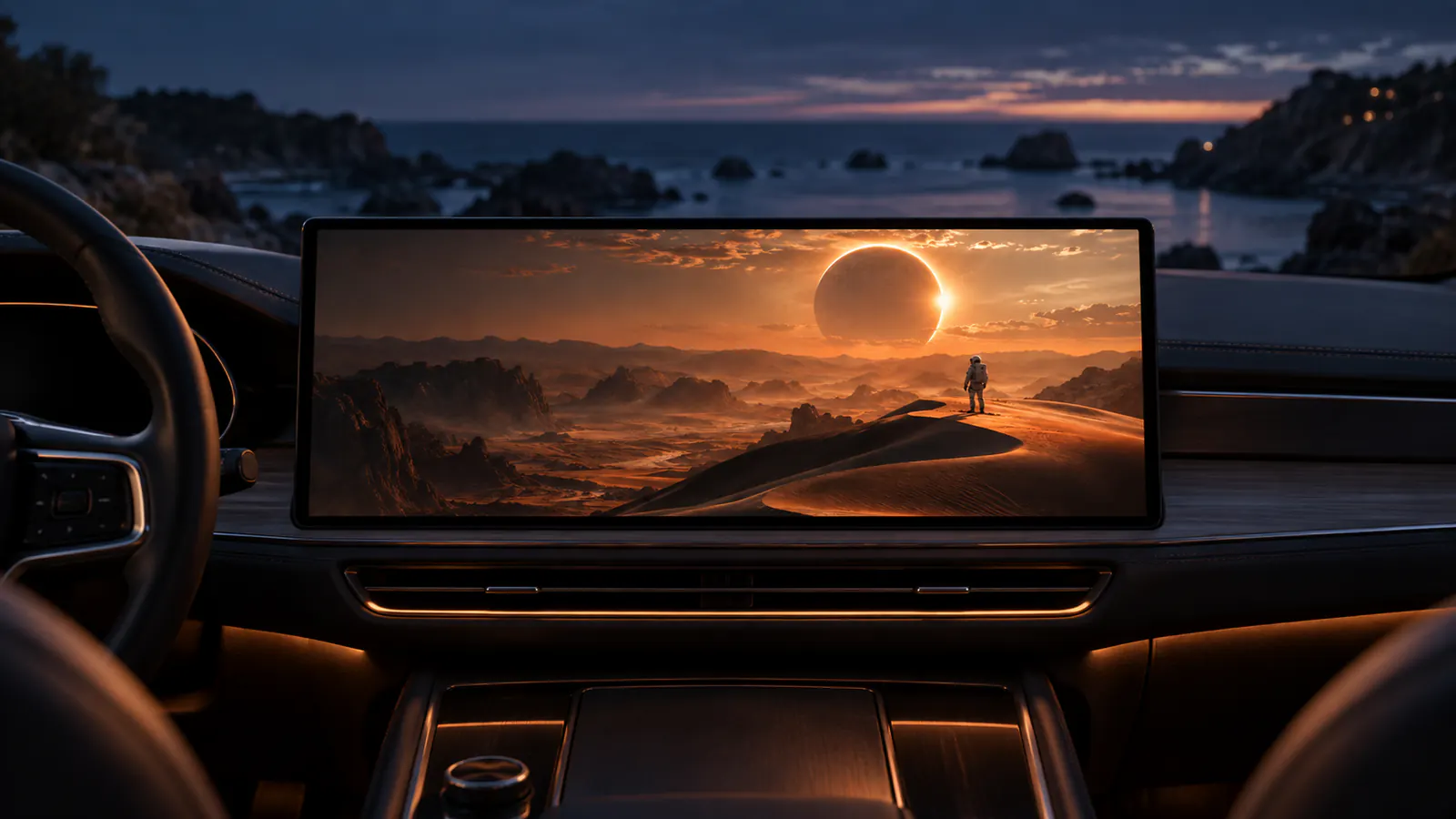
A CarPlay connection is only the first clue.
Start by reading the documentation for your actual vehicle or receiver. Dashow’s compatibility guidance distinguishes navigation and audio connectivity from video-output capability. An iPhone app cannot establish a receiver feature that the receiver documentation does not support.
Write down the receiver model, software version, iPhone software and the documented connection route. “It supports CarPlay” is a starting point, not a completed compatibility test. Verify video while parked before spending time building a library.
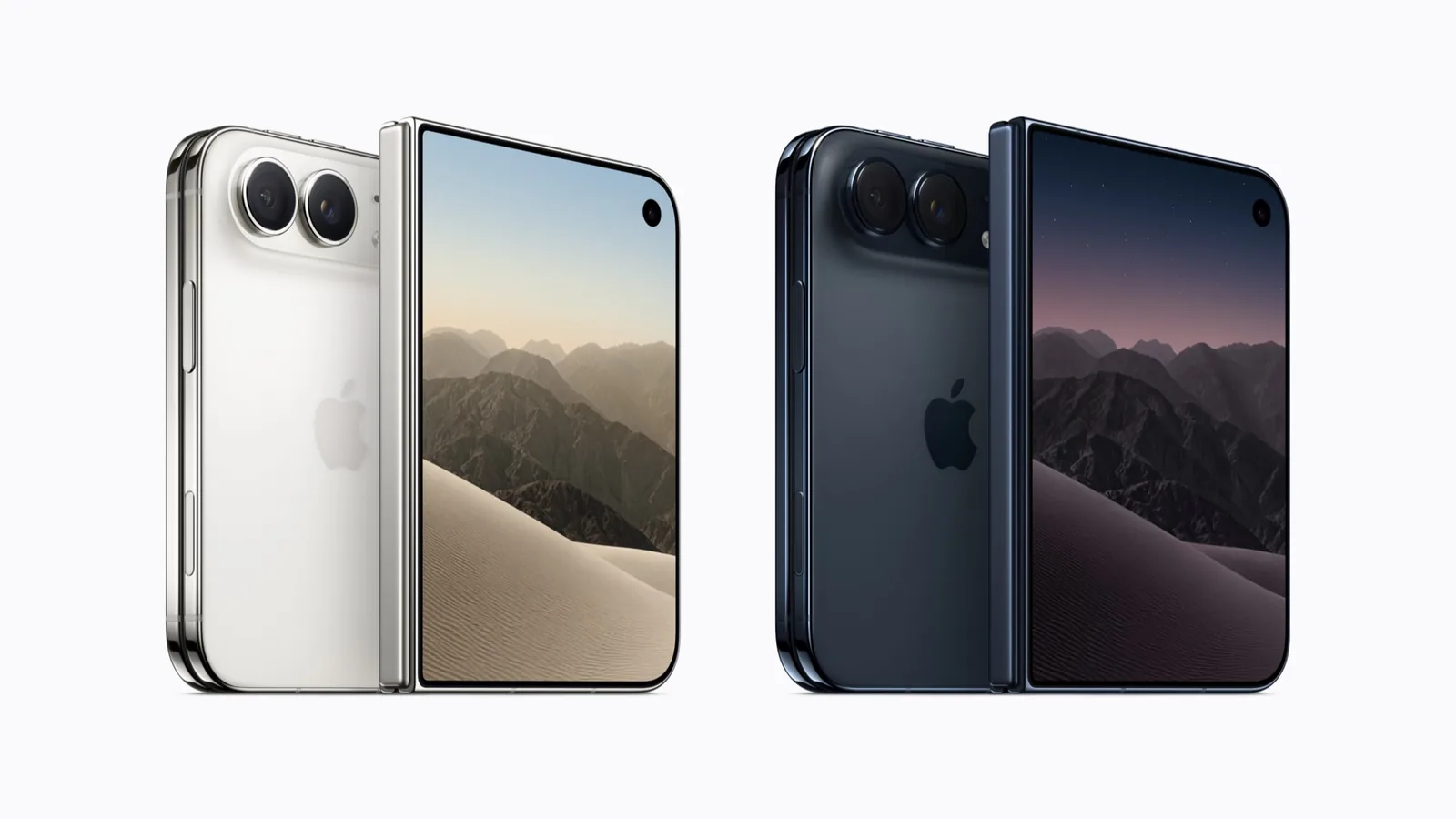
An iPhone Duo layout is a separate question. The Duo app compatibility guide is about the phone’s own display and app behavior; it cannot confirm video output in your car.
Pick a source before picking features.
The simplest shortlist begins with one thing you already want to watch. A family video in Files is a different task from resuming an episode on a home server. Both differ from sharing something displayed inside another app.
Dashow’s library guide describes local imports, connected media libraries and channel playlists. Its screen-sharing guide describes a separate route for permitted content in another app. This distinction is more useful than counting the number of services named on a marketing page.
| Your task | What to verify | Keep in the test record |
|---|---|---|
| Play a personal file | Import, sound, seeking and subtitles | File format and playback result |
| Continue a server episode | Source connection and permitted access | Server and selected episode |
| Share another app | Capture permission and visible output | Source app, version and content |
| Watch without reception | An actual completed local copy | Playback with streaming unavailable |
Separate playback from screen sharing.
Test a permitted personal video before a protected streaming title. Dashow’s screen-sharing documentation explains that capture restrictions can affect a video even when other visible content shares successfully. A black protected video and a missing receiving display are different failure cases. Screen-sharing source.
Keep a small two-row record: the same personal clip on the phone, then on the parked display. Record picture, audio and seeking separately. Add the source app only after that baseline works. This sequence helps you identify which part of the setup changed.
Video framing is another independent check. A 16:9 picture fitted into a 4:3 screen occupies 75% of the screen area. Filling that screen instead crops 25% of the original picture. Those values come from the ratios, not a vehicle specification.
Where does Dashow fit in the shortlist?
The Dashow profile covers the developer-described library and Cast to Car workflows, the iOS 26.4+ requirement and the currently advertised Coming soon status. Read it as a preview to investigate for a personal-media setup. Nothing on this page carries a score.
For offline viewing, the developer describes local imports and supported server downloads. Its offline guidance says to check the actual saved copy. A saved poster, a bookmarked URL or an imported channel list does not by itself put the video on your phone.
A useful release check is concrete: can you open the current App Store listing in your region, identify the build, and repeat your own playback test? Until then, keep any preview feature in the “to check” column.
Keep the result narrow enough to be useful.
A good record says which file, software build and display worked, and under what connection conditions. Avoid turning one successful clip into a claim about every car or streaming service. Likewise, one service’s restrictions do not tell you whether personal videos will work.
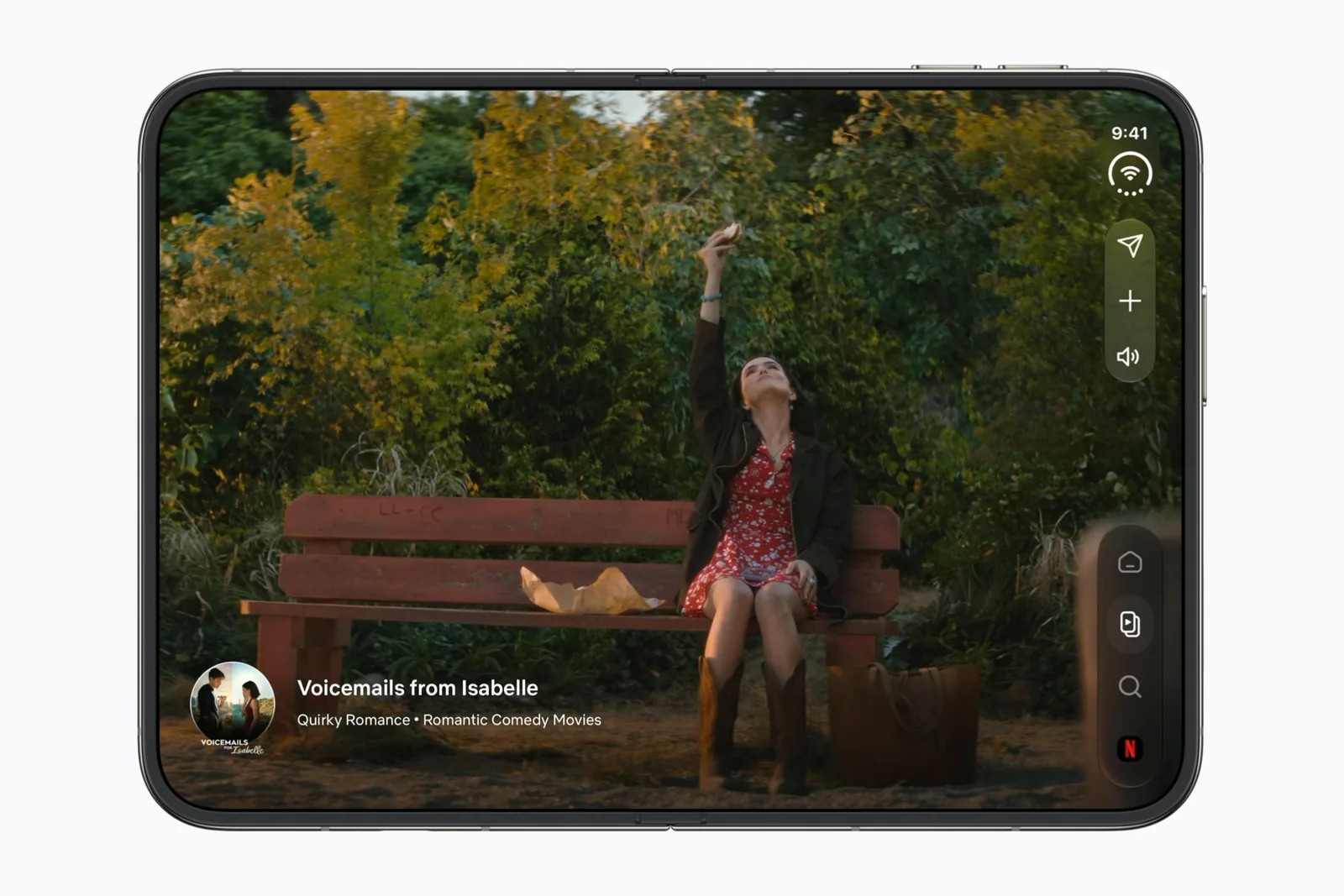
Save your shortlist after those checks. The Dashow preview gives you the product-specific source trail; our editorial method explains the labels used across the directory. For watching directly on the unfolded phone, return to Netflix on Duo.
Sources & scope
Primary references. The claim beside each link sets its scope.
- Dashow product previewDashow · Checked Sep 19, 2026
Developer-described features and Coming soon status, not a hands-on or Duo-specific test result.
- CarPlay video and screen-mirroring compatibilityDashow · Checked Sep 19, 2026
Developer-stated device and display prerequisites. Does not establish all-car support.
- Dashow personal media libraryDashow · Checked Sep 19, 2026
Local sources, media-server libraries and bring-your-own channel playlists.
- Dashow screen-sharing workflowDashow · Checked Sep 19, 2026
Developer instructions for display selection and screen sharing, including content-capture limits.
- Preparing offline moviesDashow · Checked Sep 19, 2026
Developer-described local imports and supported server downloads; verify the saved copy.