COLLECTION 01 / 2 APPS
iPhone Duo apps for watching and unwinding
A little time to yourself. Start with a film, keep the whole frame in mind, and choose a layout that lets you settle in.

Why these apps?
- 01A viewing task with a specific official source.
- 02A useful way to choose or follow the content.
- 03Framing and account limitations kept visible.
Start with the film you want to watch
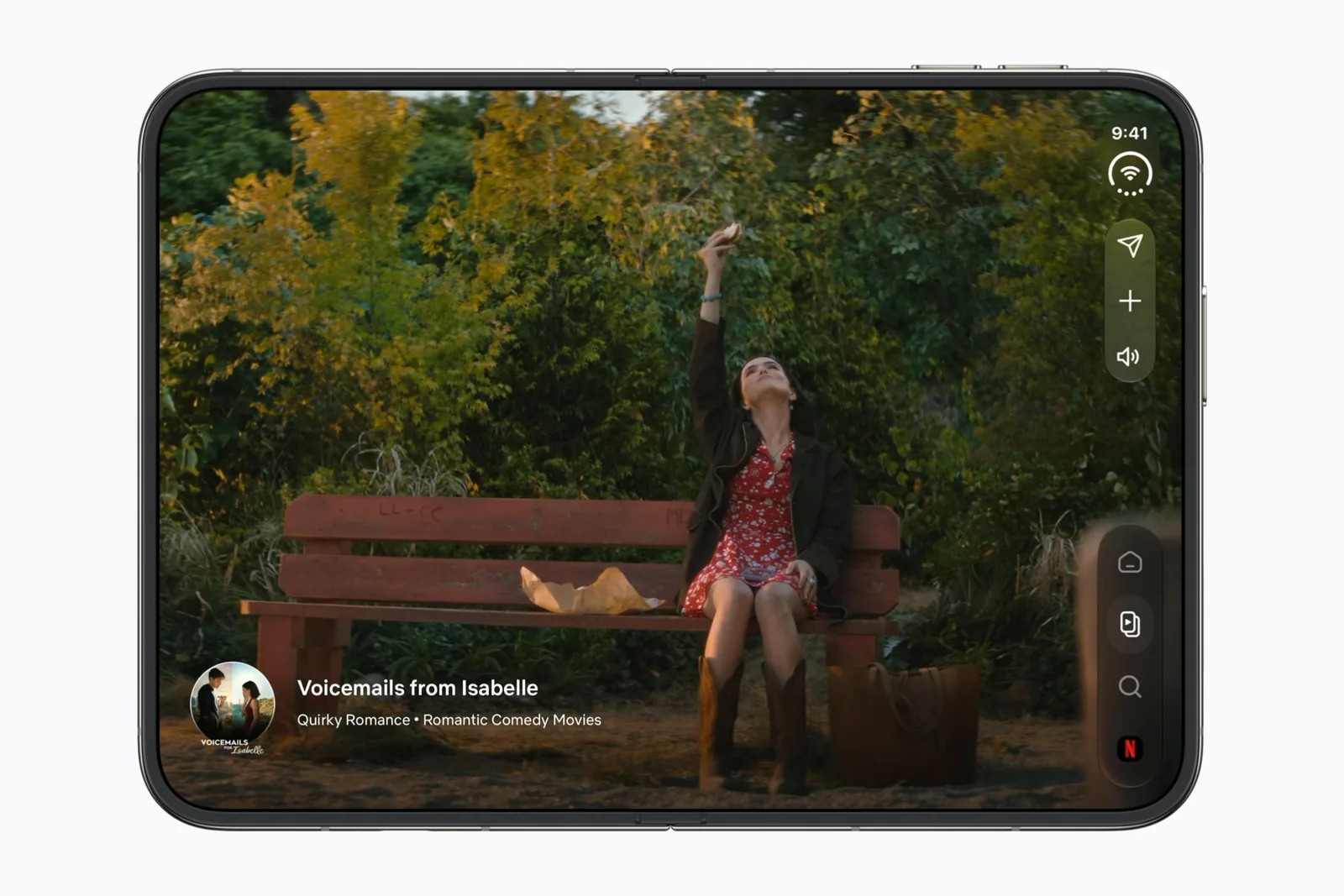
Netflix has a Duo-specific official preview. Shortlist it for browsing and watching, then check the actual title and playback mode you use. The directory does not rank services by catalog size or claim every movie fills the display.
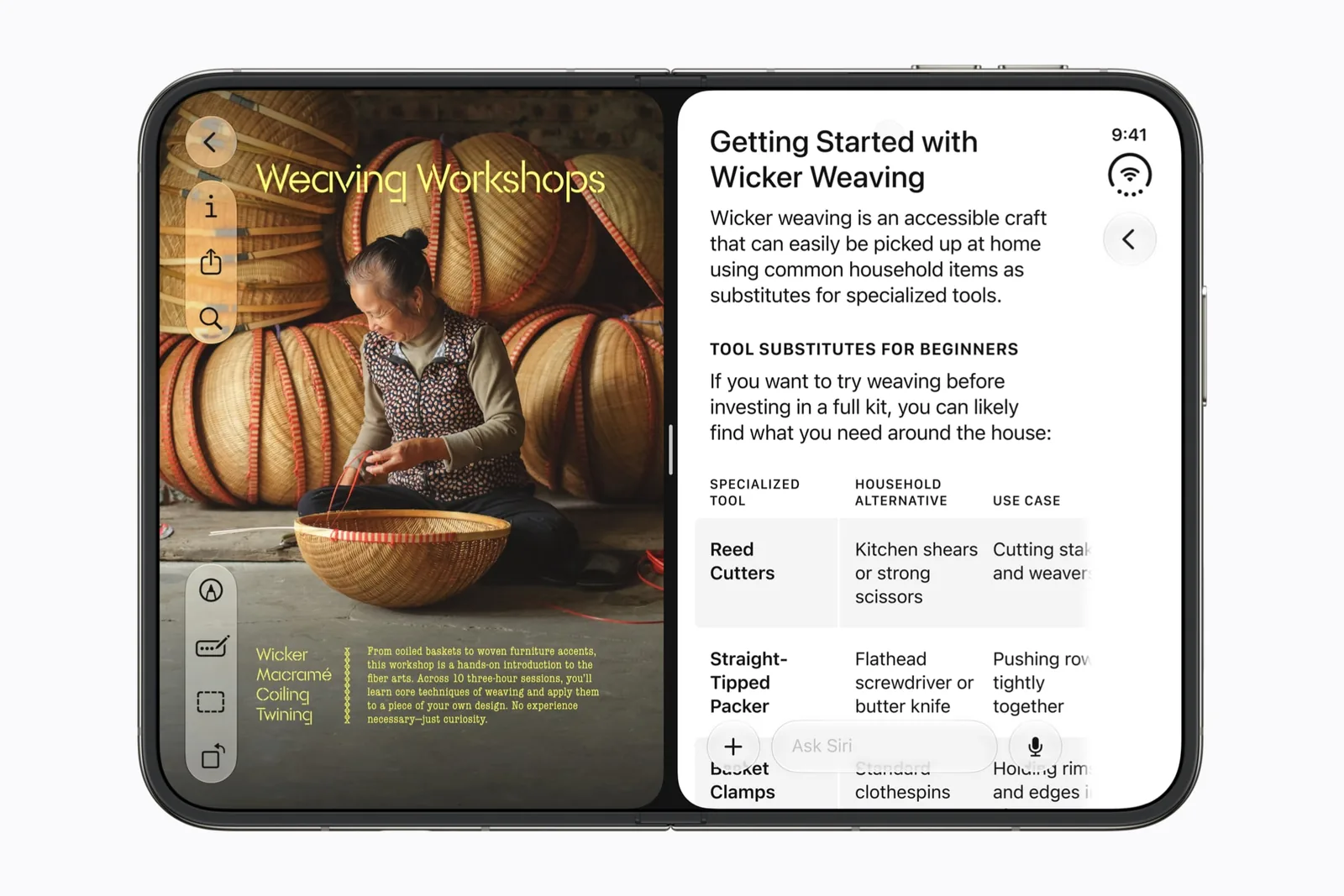
Safari has a different role here: compare a review or a public watchlist without losing your reference. It is not included as a promise of equivalent streaming features.
Preserve the picture before removing the bars
A large screen does not make every film the same shape. Fitting the whole frame leaves bars at two edges; filling the screen removes part of the picture instead. Keep subtitles visible when judging the result.
Read the black-bars guide when you need to distinguish an older app layout from an accurately framed video.
A good next read
Keep exploring.
iPhone Duo black bars: video fit or app layout?
Empty space can preserve the picture. Here is how to tell.
iPhone Duo app compatibility: what the labels mean
Compatible, adapted and actually tested are different claims.