The comparison you lose every time you switch tabs
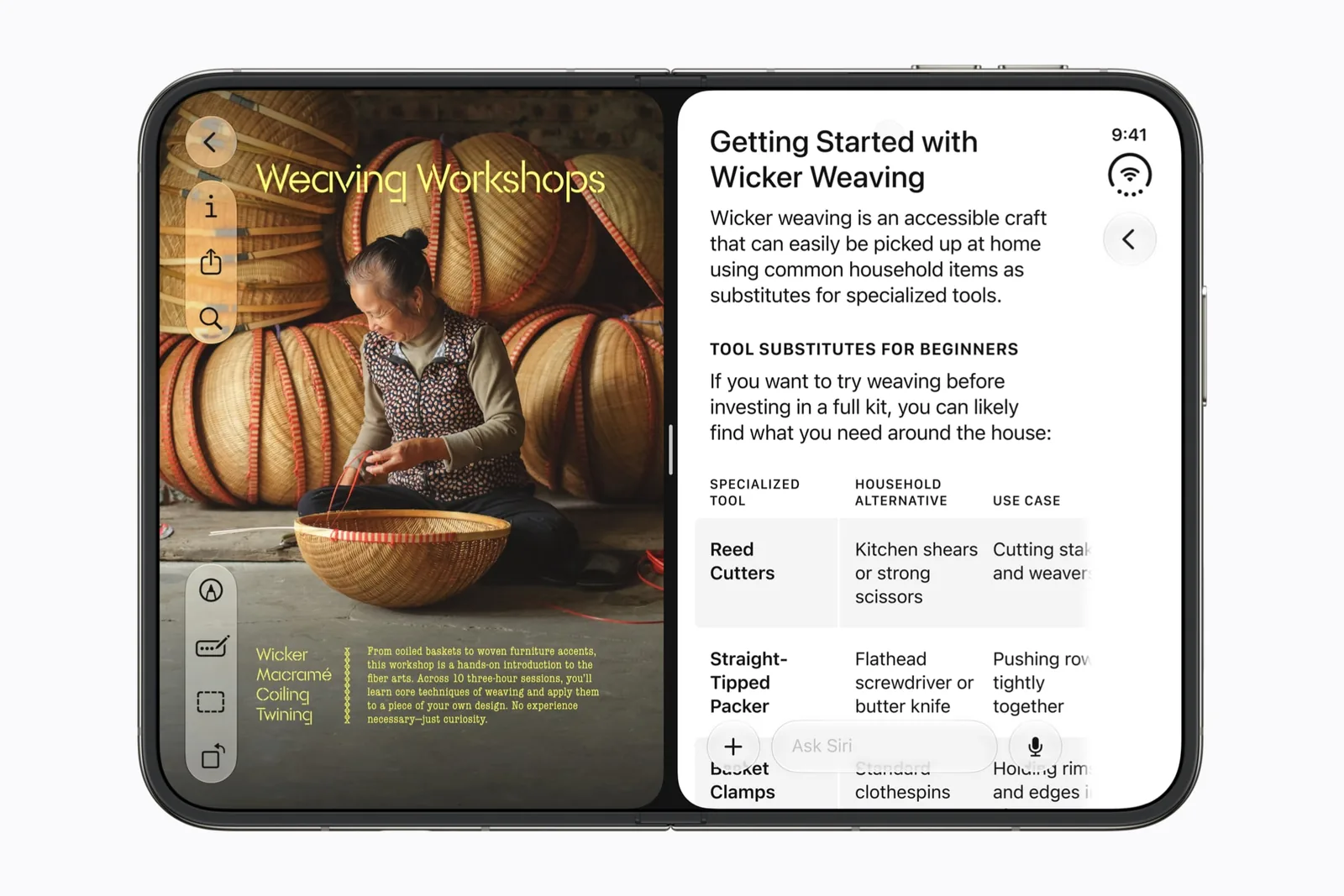
Two flights on the same route, twenty minutes apart, with fares you keep having to re-read. You check one, switch tabs, and the number you were holding has gone. Apple’s announcement says iPhone Duo can open two windows of the same app, and names Safari.
Both pages stay up. The 7.6-inch inner display holds them at the same time, which turns a memory test into a reading task. Apple’s specifications page prints that diagonal; what you put on either half is the rest of this page.
Apple names Safari, then gives developers the real rule
Safari is the example rather than the boundary. Apple’s talk on multiple displays and scenes states that iPhone Duo is the first iPhone to support multiple instances of an app’s interface, and that an app supporting this on iPad will support it on iPhone Duo as well.
One rule carries a lot. It tells you where to start: an app you already run in two windows on an iPad is the first one to try. Apple publishes no list of which third-party apps qualify, so the checking is yours. The mechanics of opening the second window sit in two windows of the same app.
Two windows of one app is also a different arrangement from two different apps sharing the display. The distinction matters the moment you close one half, and it decides which of the two you should be setting up for a given task.
Four pairings worth trying this afternoon
Comparison is the job in every one of these. One window holds the thing you are deciding about, and the other holds what you are deciding against. Neither has to move.
The pairings are deliberately dull. Comparison work usually is, and the whole point is that neither side has to be held in your head while you look at the other. Start with the flights, because losing a fare mid-switch is a failure most people recognise.
- Two listings for the same flight. Same route, same day, different times or carriers, with the fare and the baggage line visible on both sides.
- A recipe beside the shop. The method stays open on one half while the basket fills on the other, so quantities never have to be carried in your head.
- A spec page beside a review. The manufacturer’s numbers on one side, somebody else’s account of those numbers on the other.
- A form beside the reference you are copying from. An address, a policy number, a booking code: read once, typed once.
Run one comparison and write down what held
Pick a single pairing and take it end to end. The useful part is what survives, which you find out by opening the device, closing it and coming back to it. Give it four minutes.
Record the app version and the iOS build beside each answer. A note saying which window kept its scroll position is worth more next week than a general impression that it went well.
| Put on one side | Put on the other | What to check afterwards |
|---|---|---|
| A flight listing. | The same route on another day. | Whether both windows still show the dates you chose. |
| A recipe. | A grocery basket. | Whether the basket survives a change of pose. |
| A spec page. | A review of the same model. | Whether scrolling one window moves the other. |
| A form. | The page you are copying from. | Whether a half-typed form is intact when you return. |
What Apple has said about the split, and what it has not
Apple’s design talk describes a 50/50 split that divides the inner display into two halves working independently. Apple has never said whether the divider can be moved. Neither answer exists in public, so pick pairings that read well at equal halves and try moving the divider on your own device.
One limit is stated plainly. Apple’s talk on multiple displays and scenes says new windows cannot be created on the outer display of iPhone Duo, and that the behaviour is reserved for the inner display. Opening the second window is something you do with the device open.
Questions people are asking
Four come up repeatedly. Each answer below stays inside what Apple published by 20 September 2026.
- Can I open a second window on the outer display? No. Apple states that new windows cannot be created on the outer display of iPhone Duo, and that the behaviour is reserved for the inner display. Open the device first, then make the second window.
- Which apps can do this besides Safari? Apple gives a rule instead of a list: an app that supports multiple windows on iPad will support them on iPhone Duo. Safari is Apple’s own example. Start with the apps you already run in two windows on an iPad.
- Can one half be wider than the other? Apple describes a 50/50 split of the inner display and has said nothing about moving the divider. No Apple material checked on 20 September 2026 addresses it in either direction.
- Is this the same as two apps side by side? Close, and the difference shows when you close one half. Split View puts two different apps together, while two Safari windows are one app running twice. Both of them live on the inner display.
Sources & scope
Primary references. The claim beside each link sets its scope.
- Apple unveils iPhone DuoApple Newsroom · Checked Sep 19, 2026
Official announcement and app previews; not a retail-device test.
- Leverage multiple displays and scenes on iPhone DuoApple Developer · Checked Sep 20, 2026
Transcript. Multiple instances of one app, the iPad carry-over rule, and window creation on each display. Describes developer capability, not any shipping app.
- Design for iPhone DuoApple Developer · Checked Sep 19, 2026
Design guidance and transcript: resizable layouts, controls, Split View and fold avoidance.
- iPhone Duo — Technical SpecificationsApple · Checked Sep 20, 2026
Published display resolutions, pixel density, dimensions and weight. Apple prints no aspect ratio figure on this page.